A selection of additional screens, components, and flows designed during my time at PayCargo. Most of my work at PayCargo is protected by NDA and can't be shown publicly. What's here is a curated selection of screens and flows I'm able to share (mainly Payer UI screens), captured with care to avoid sensitive information.
PayCargo AP Automation - Rippey AI
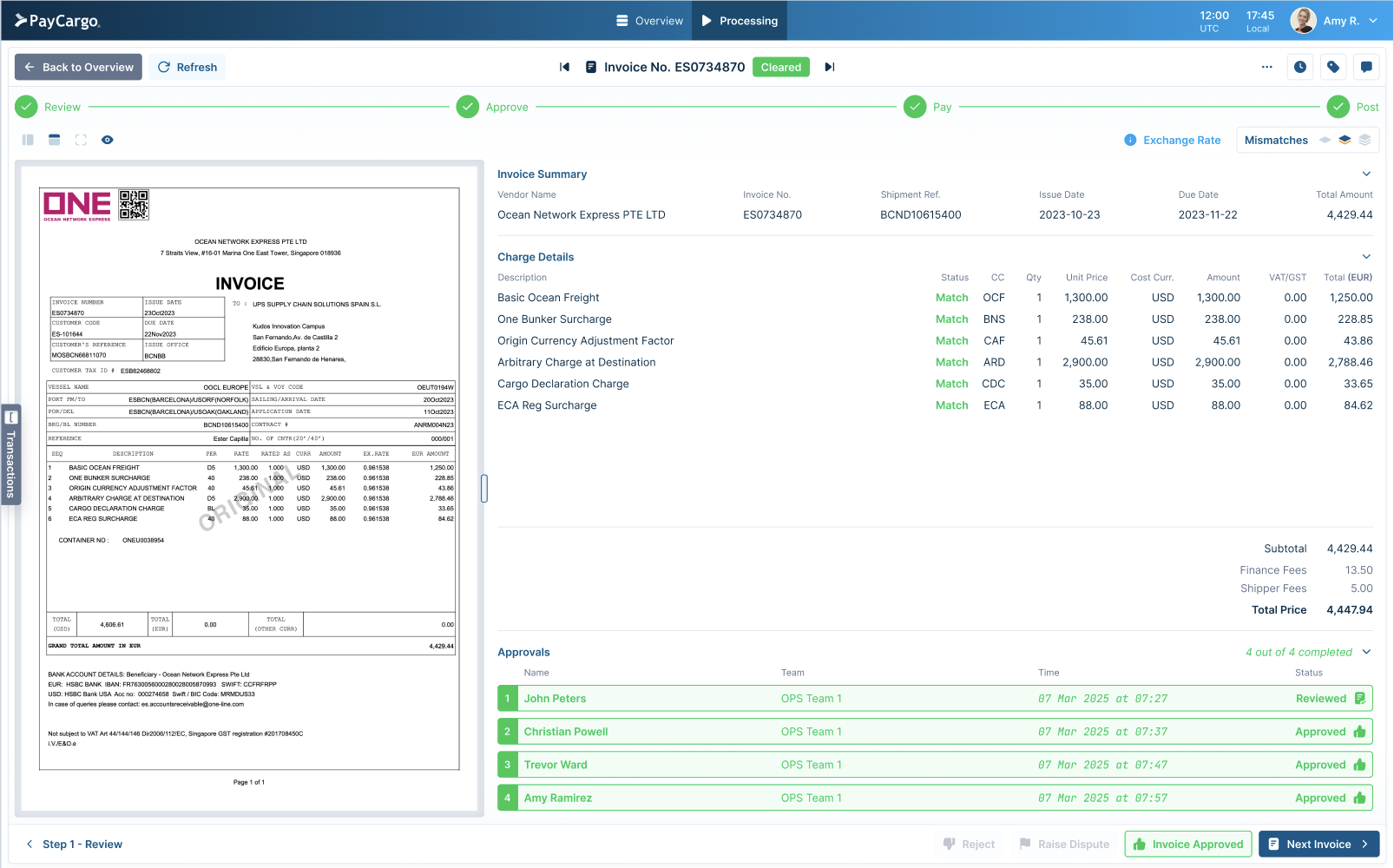
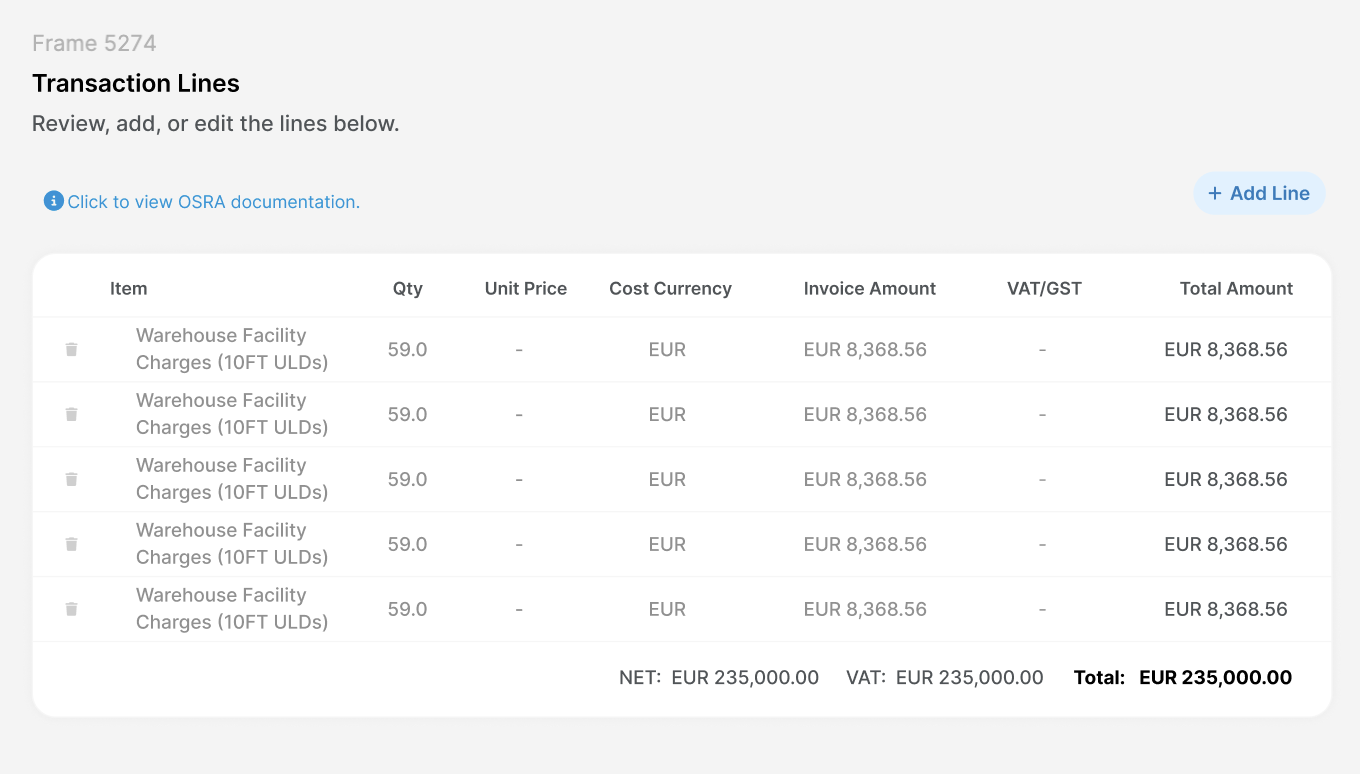
Invoices arriving via email were automatically parsed by Rippey AI and converted into transactions, no manual data entry required. The design challenge was building a multi-approver review flow that gave users enough visibility and confidence to approve AI-generated transactions and queue them for payment without second-guessing the data.
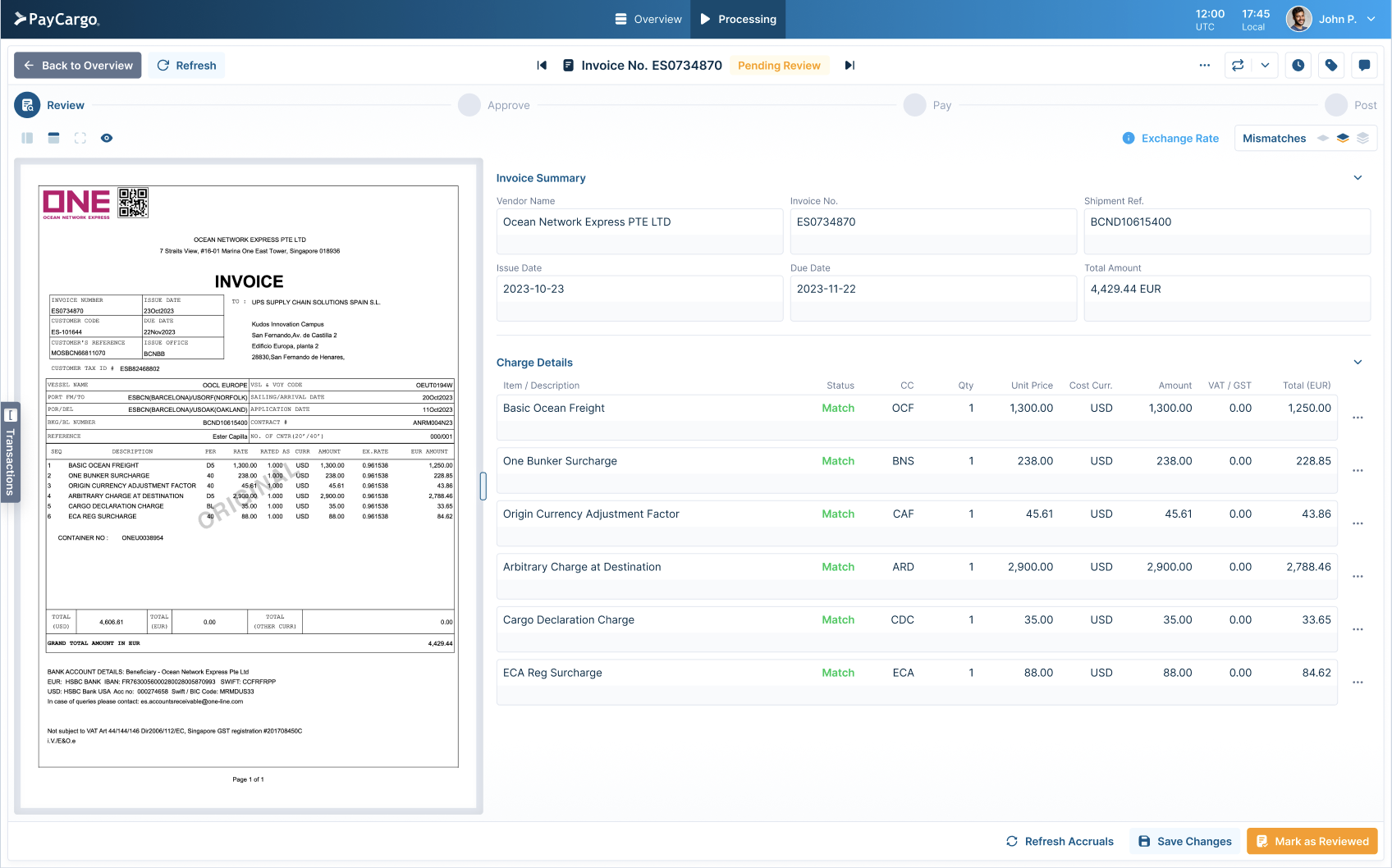
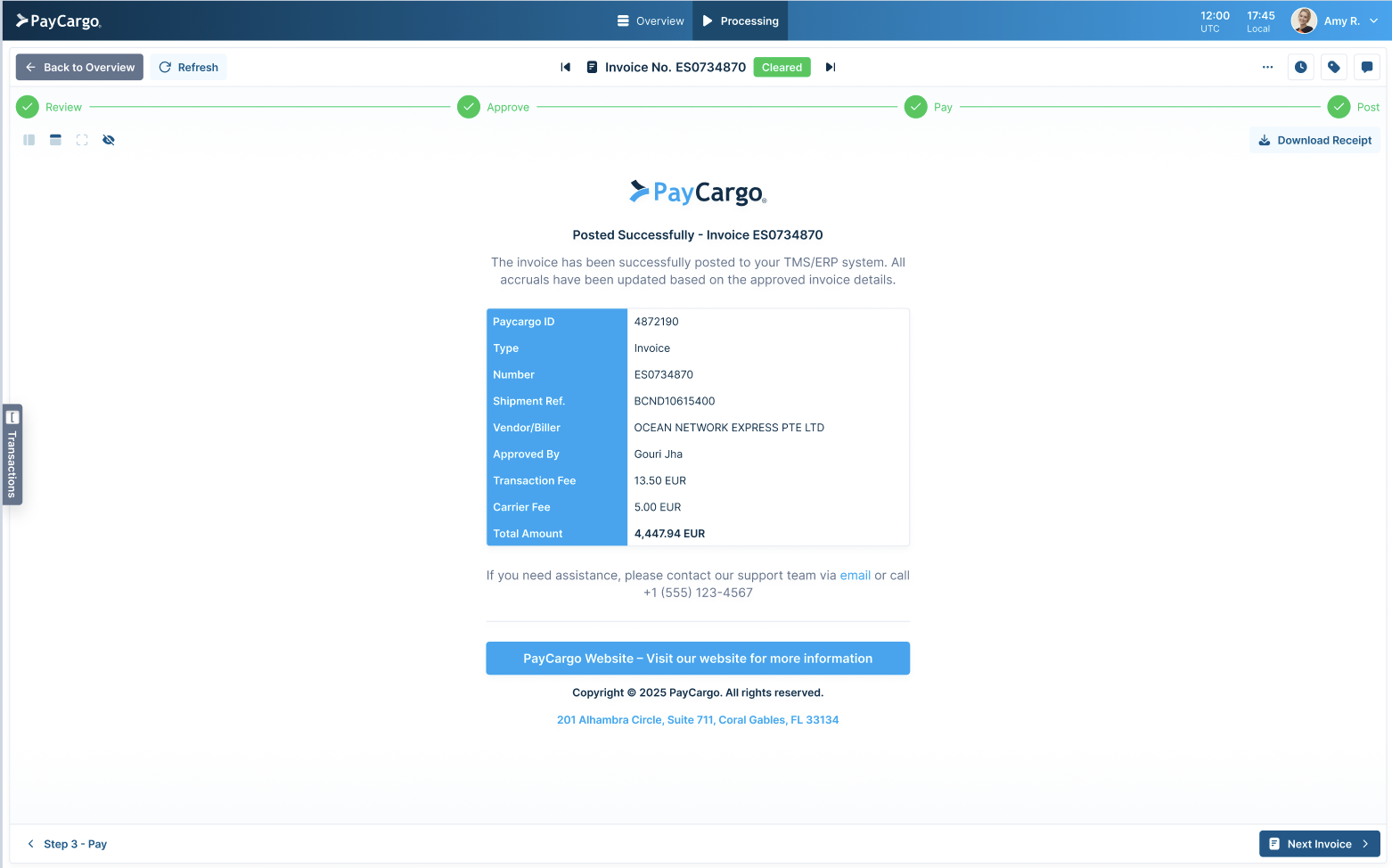
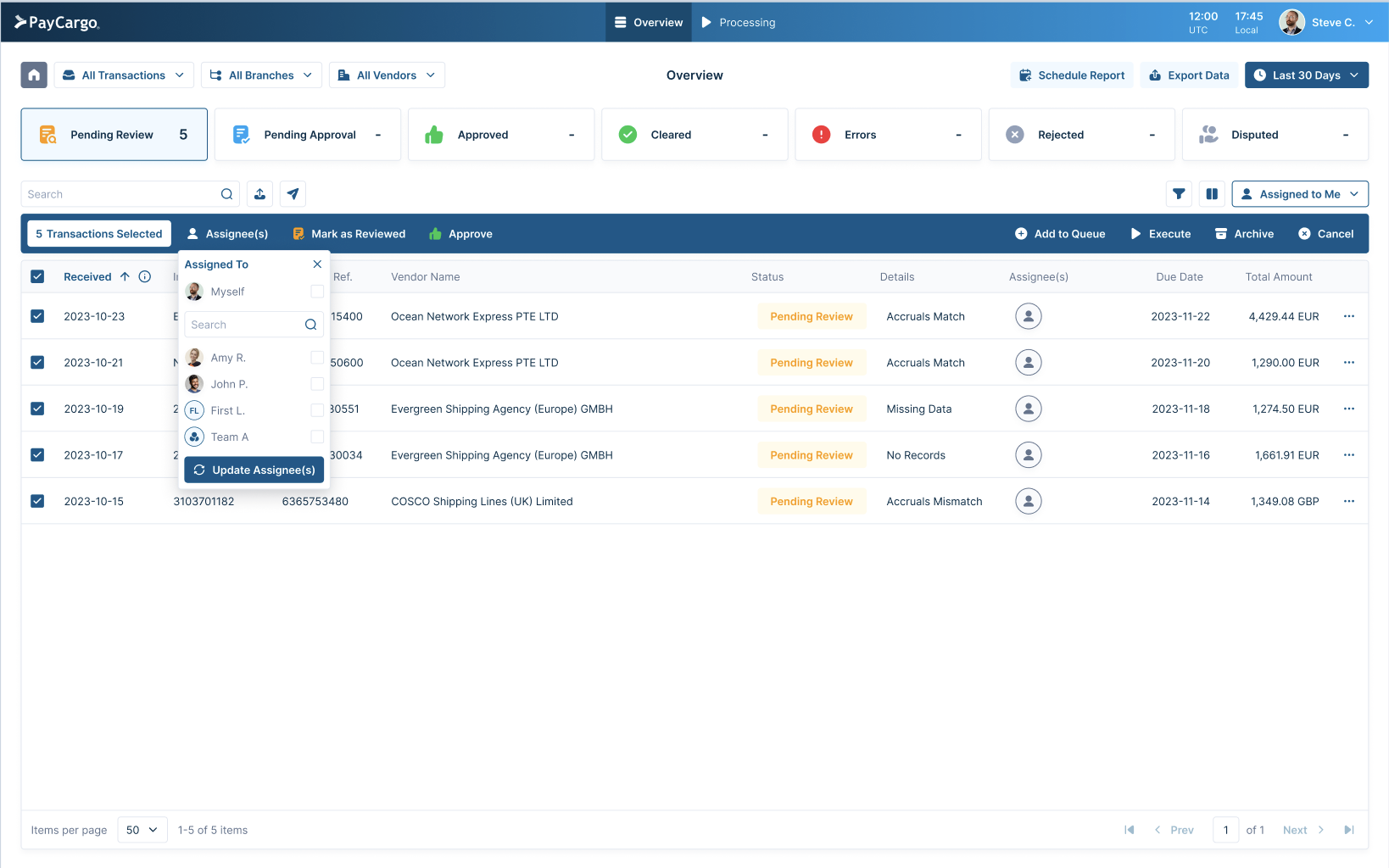
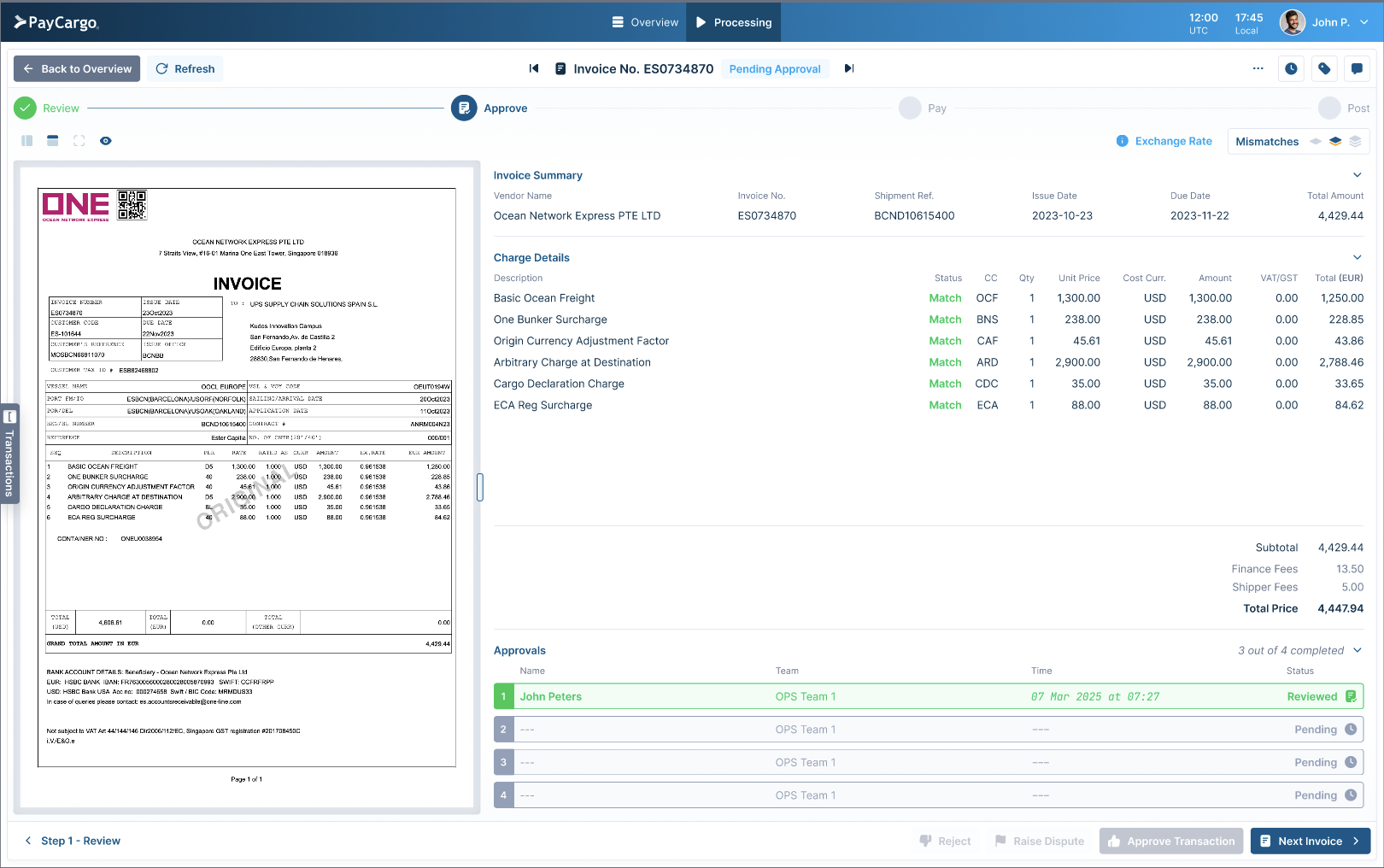
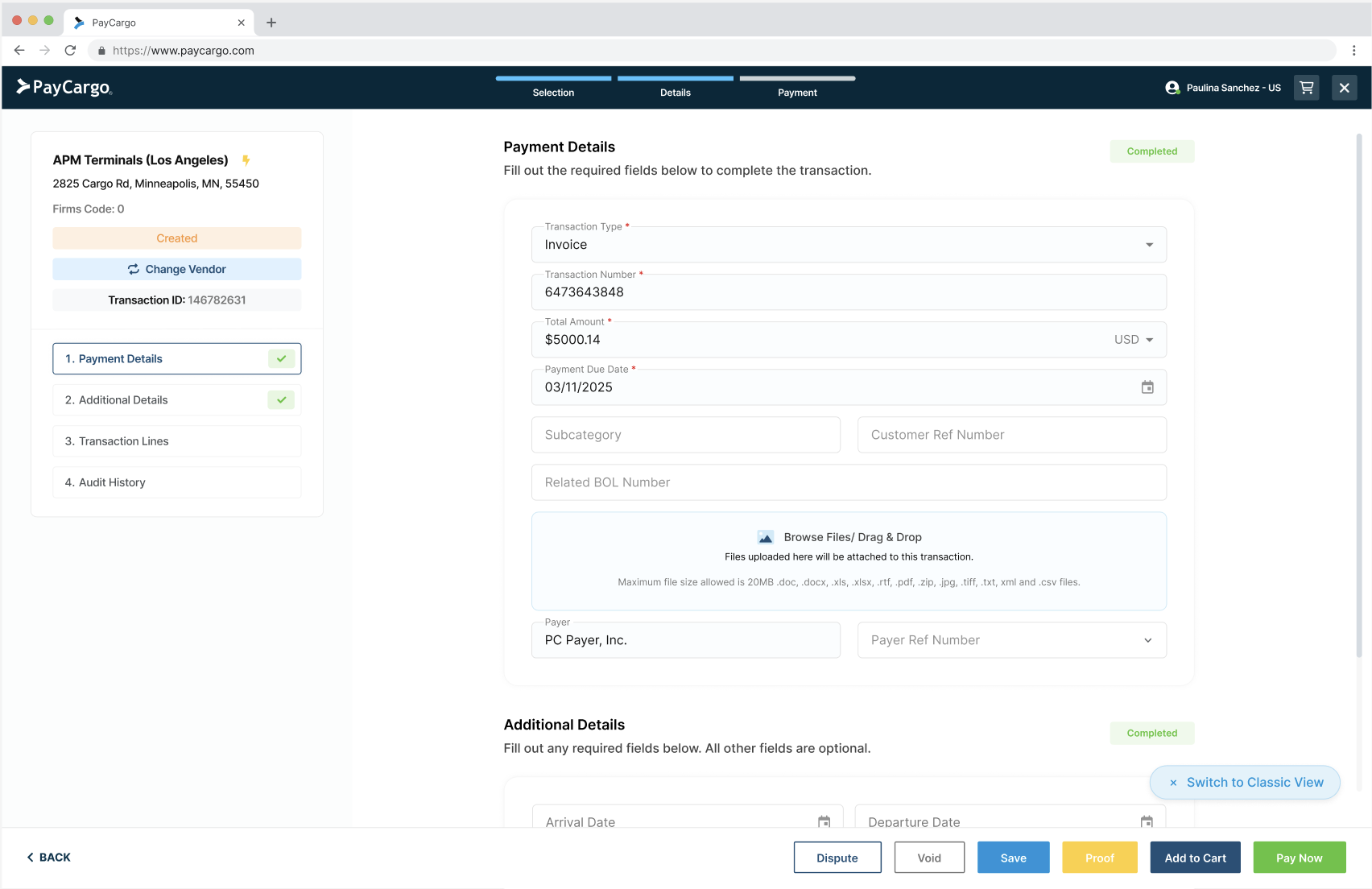
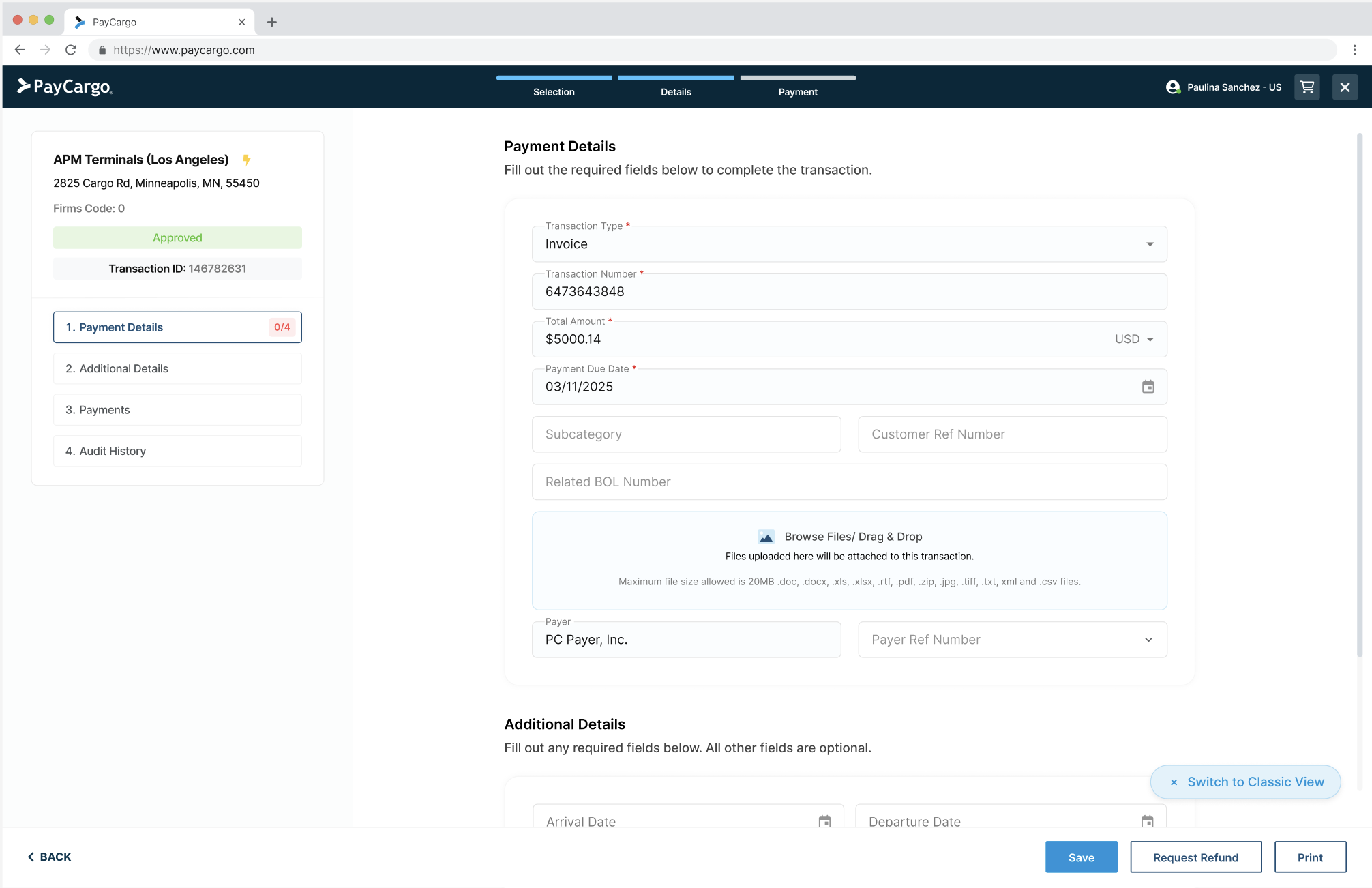
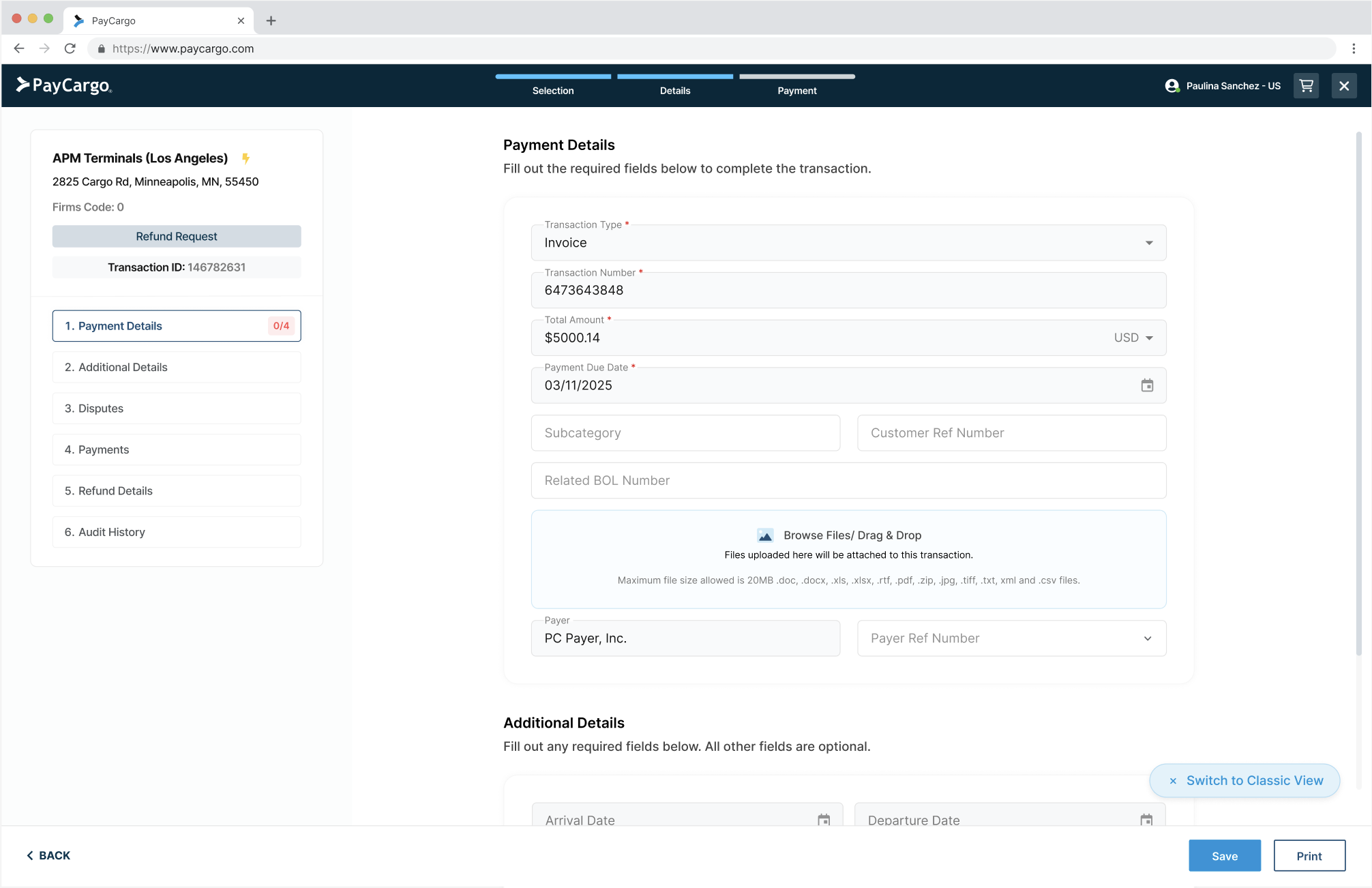
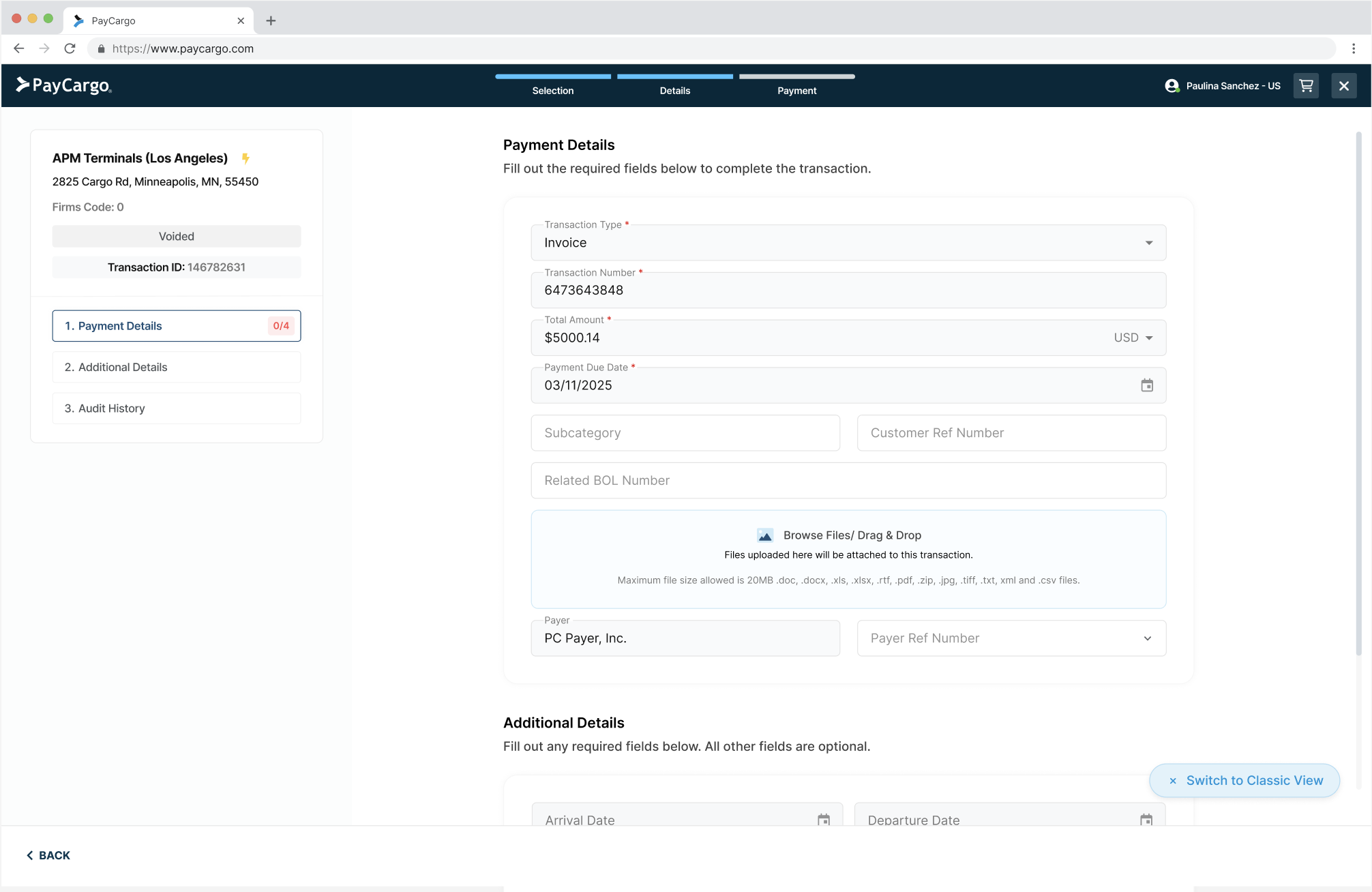
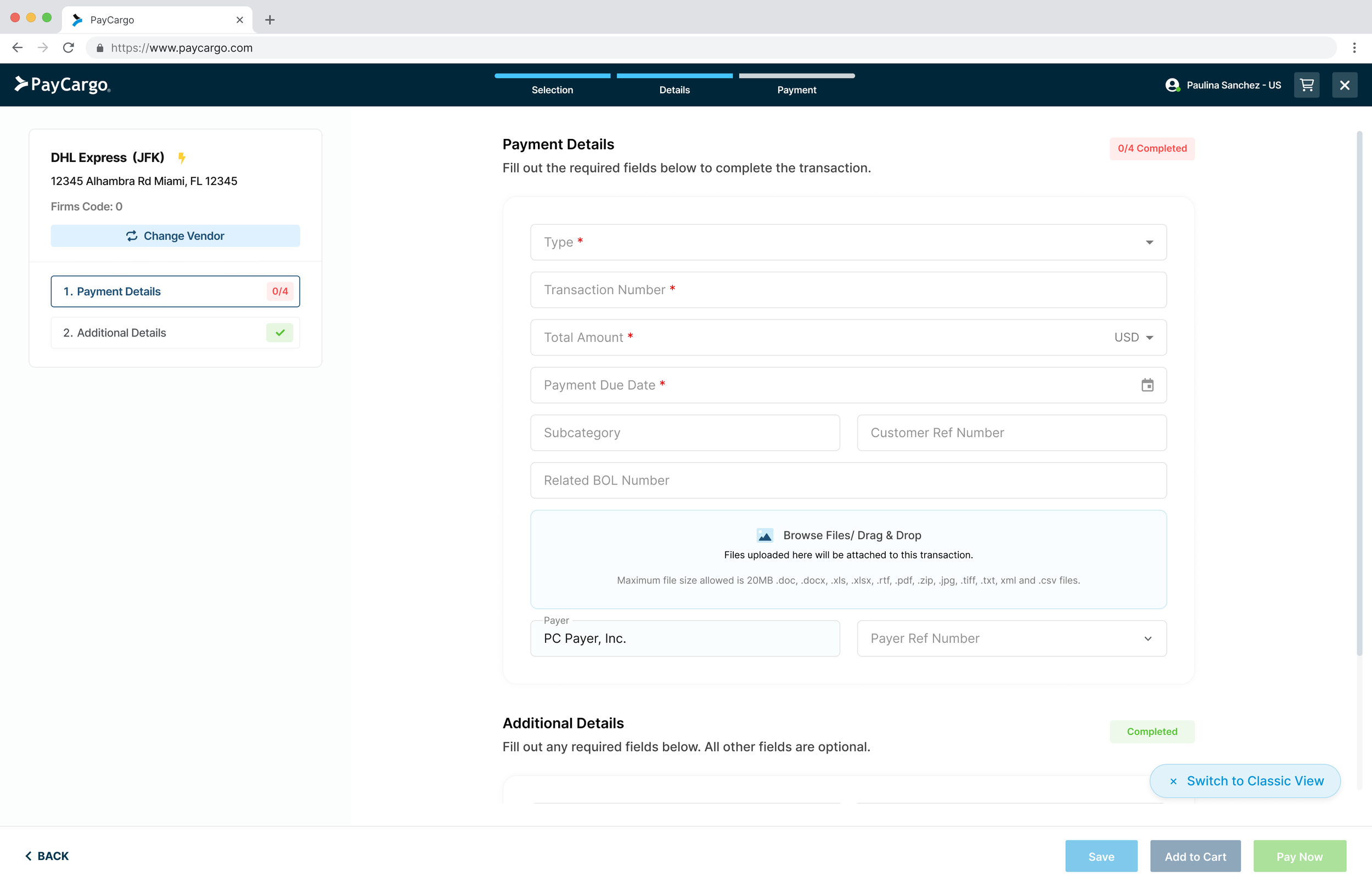
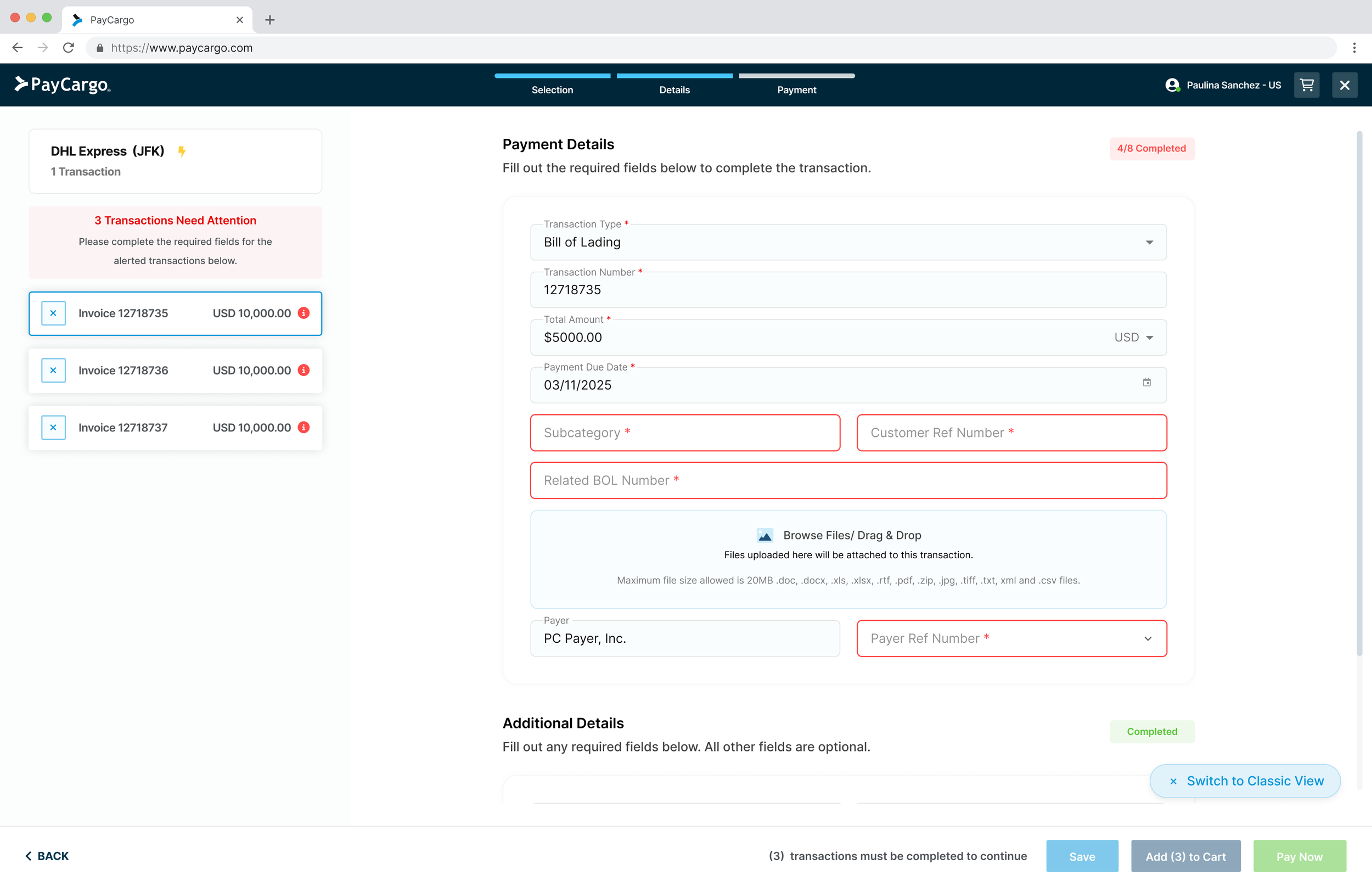
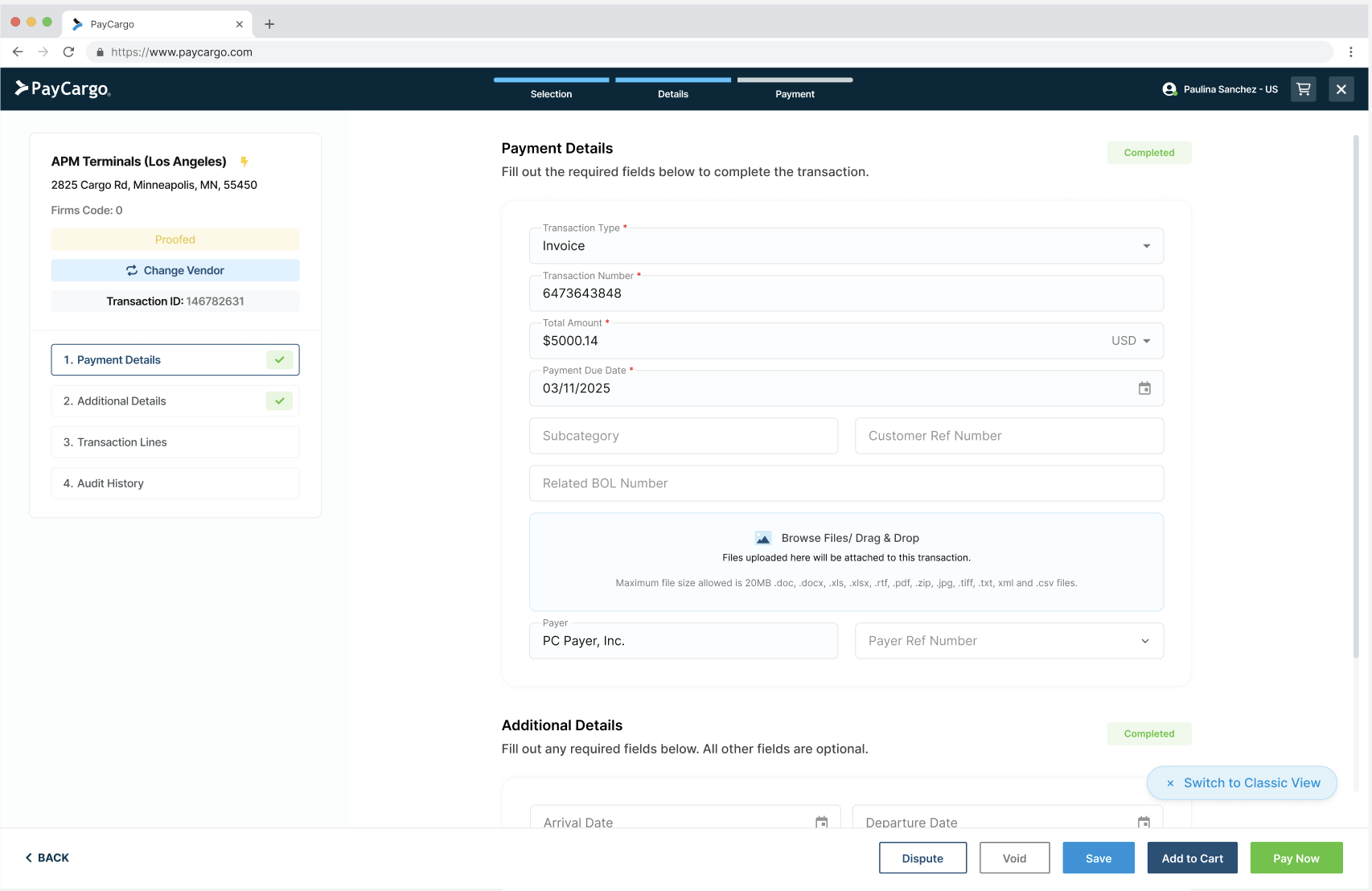
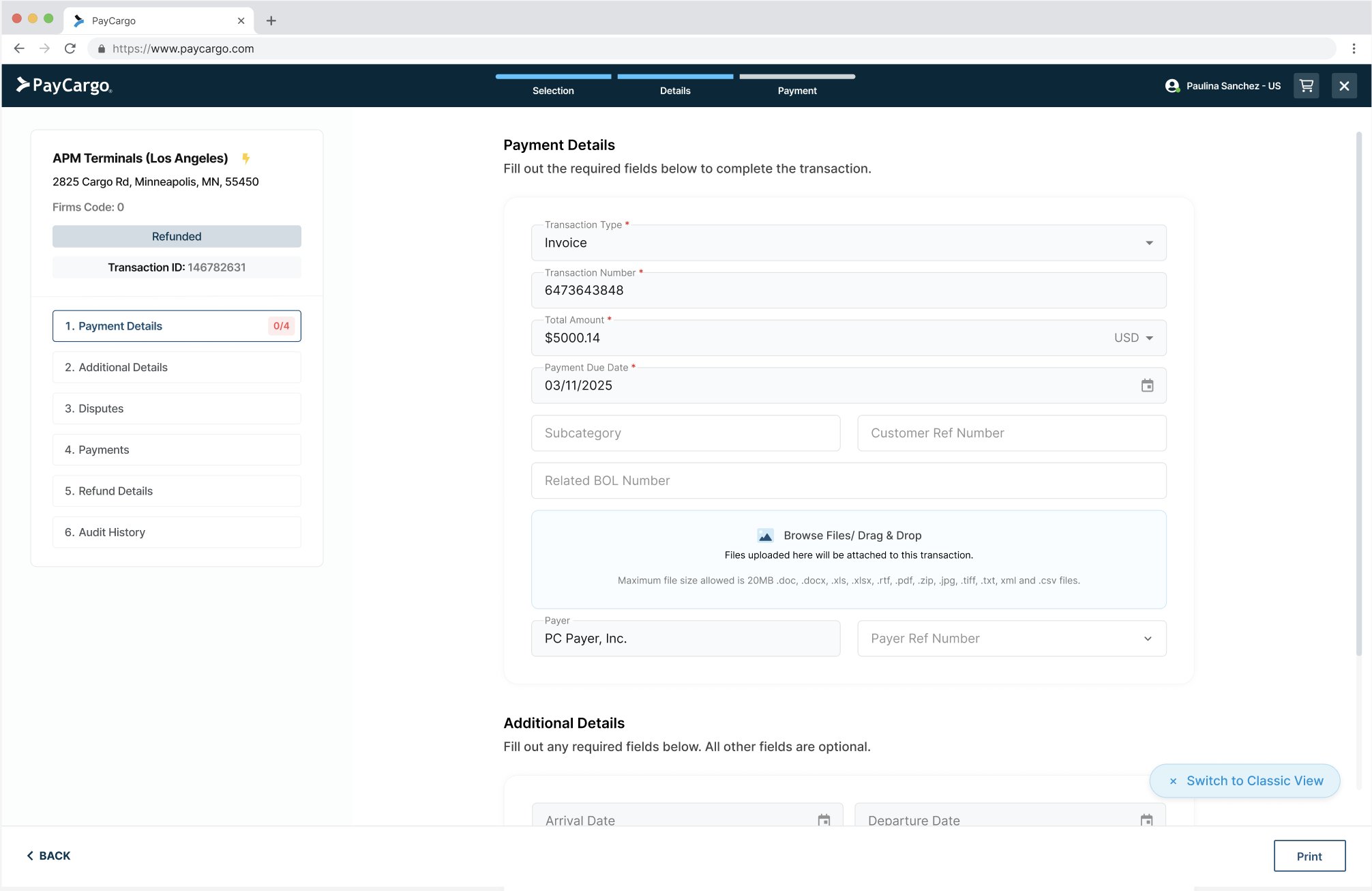
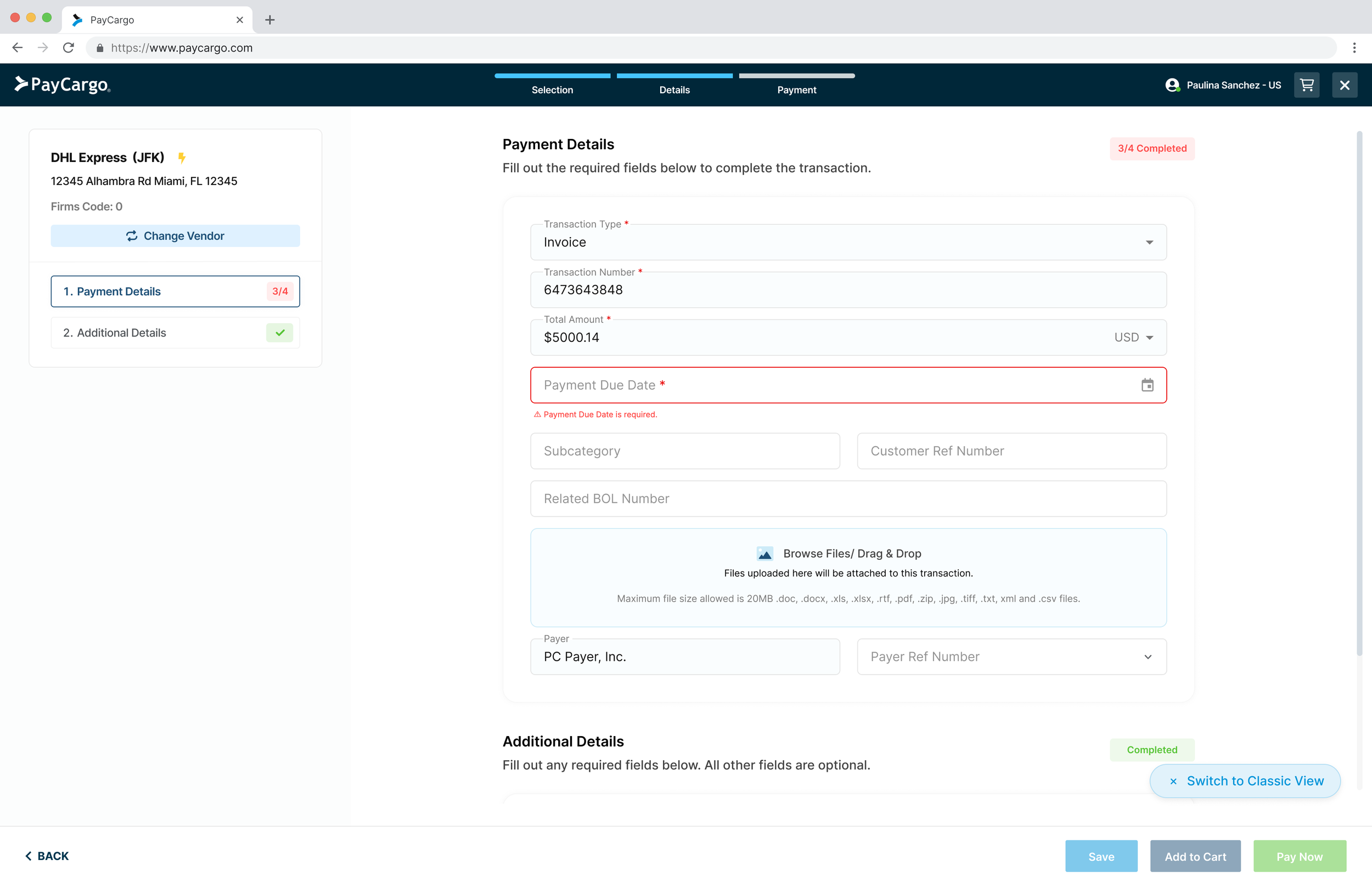
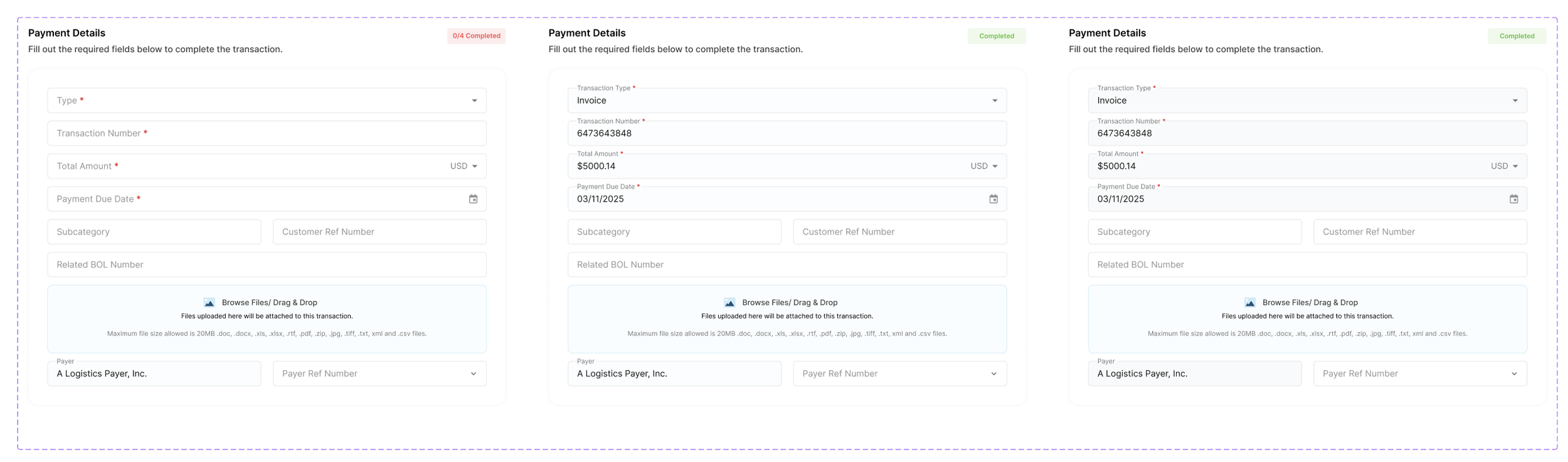
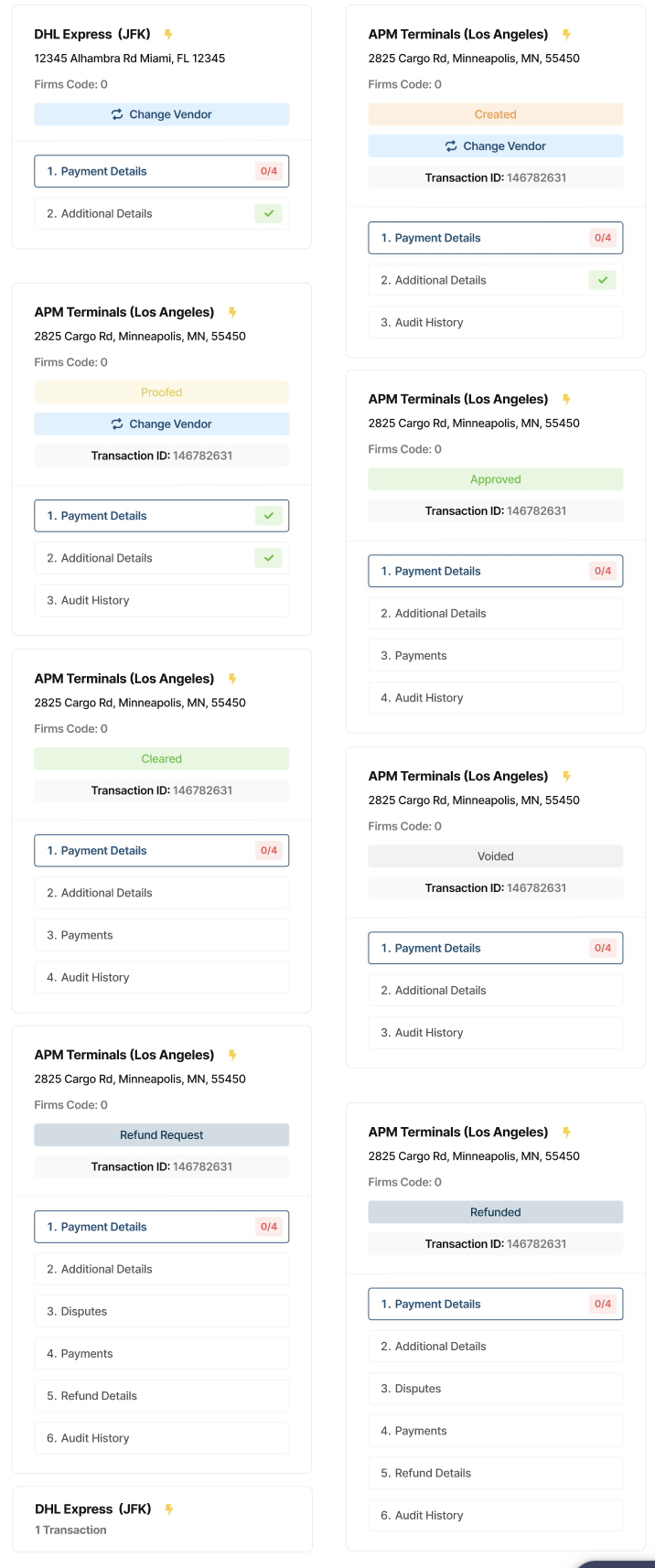
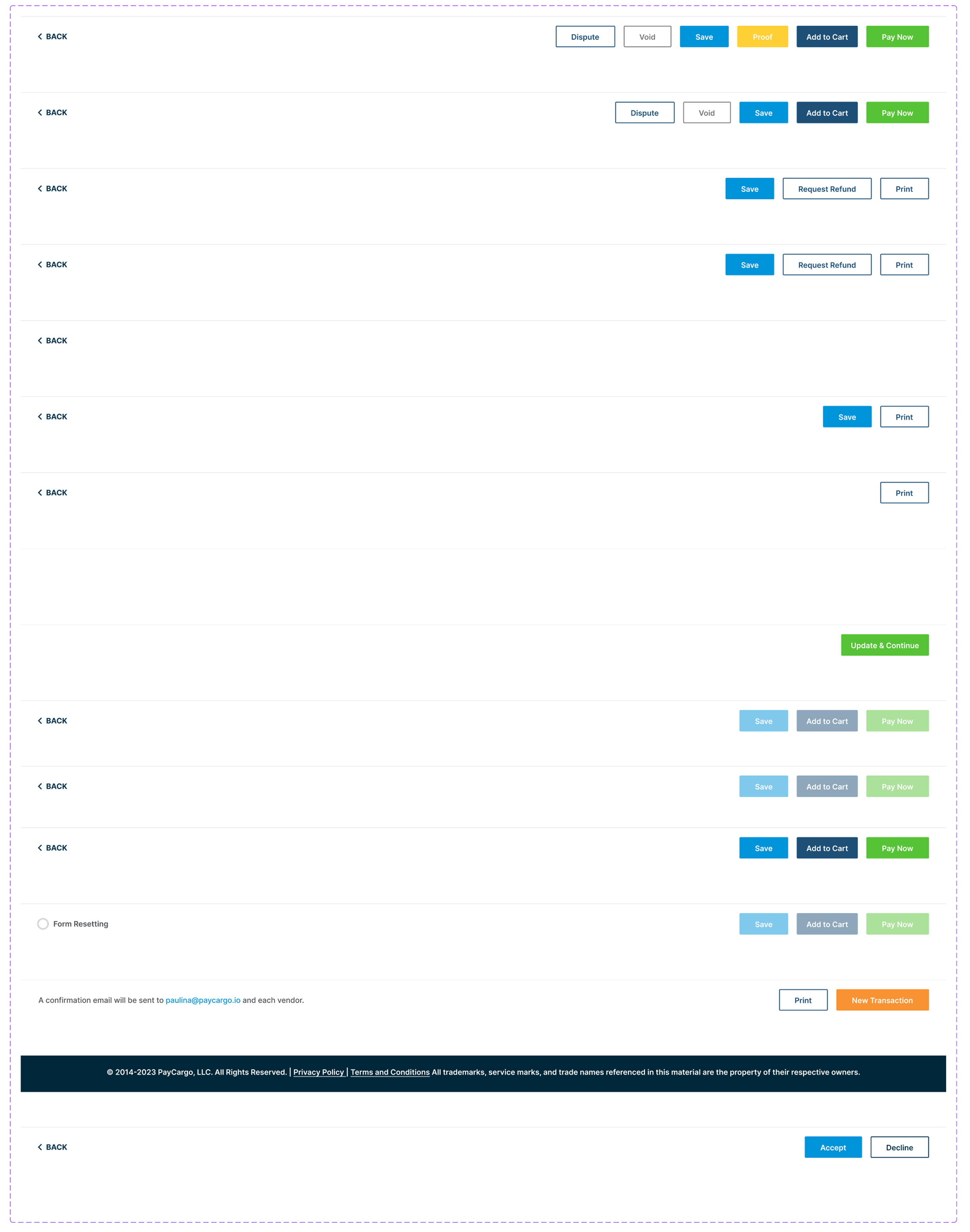
Transaction Form States
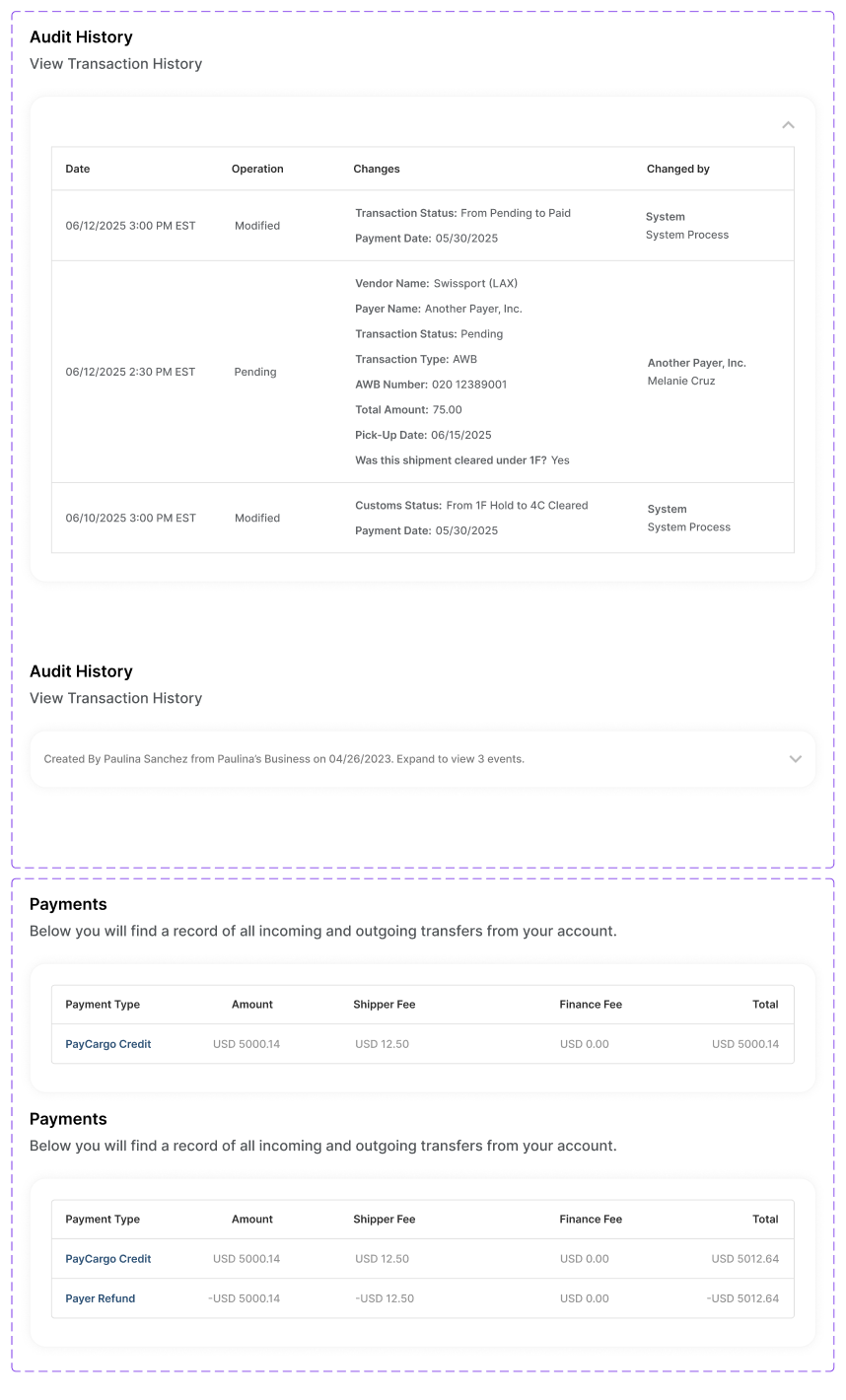
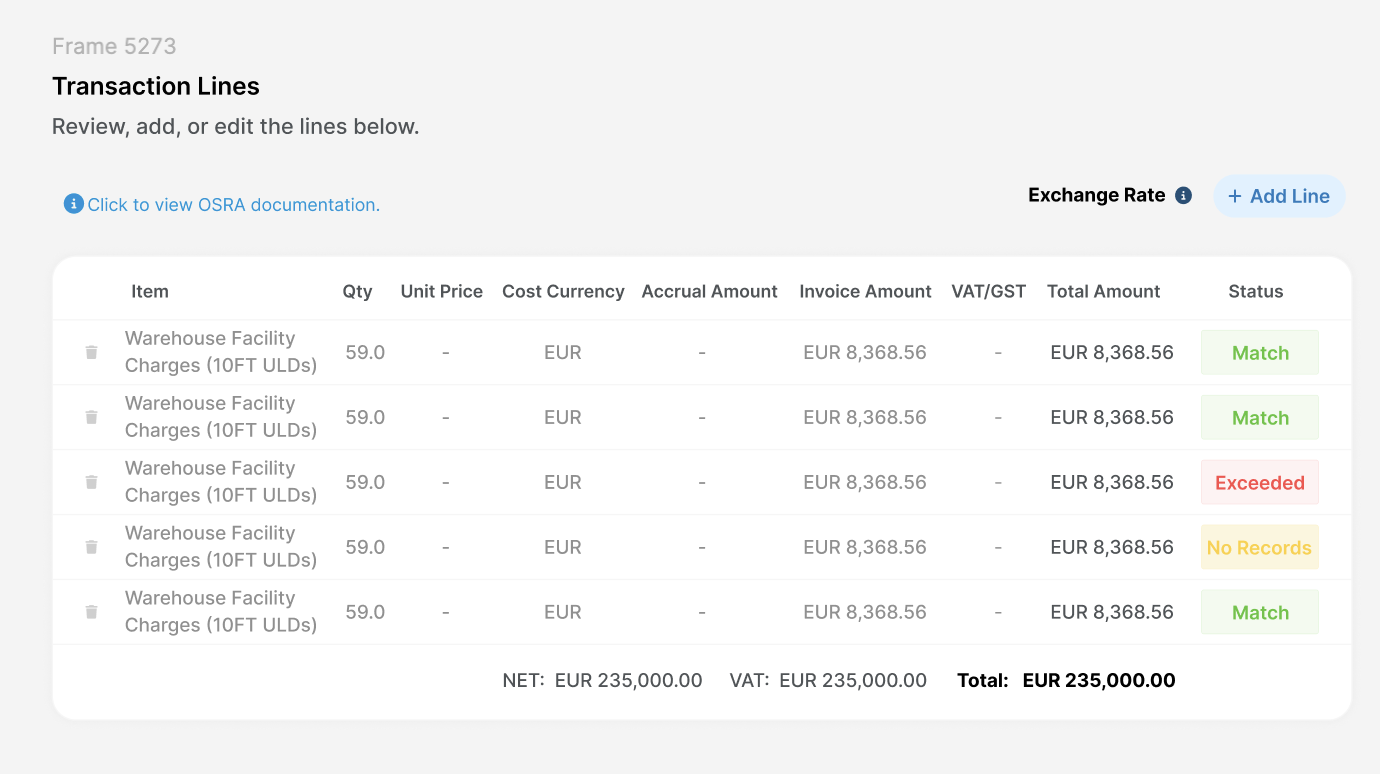
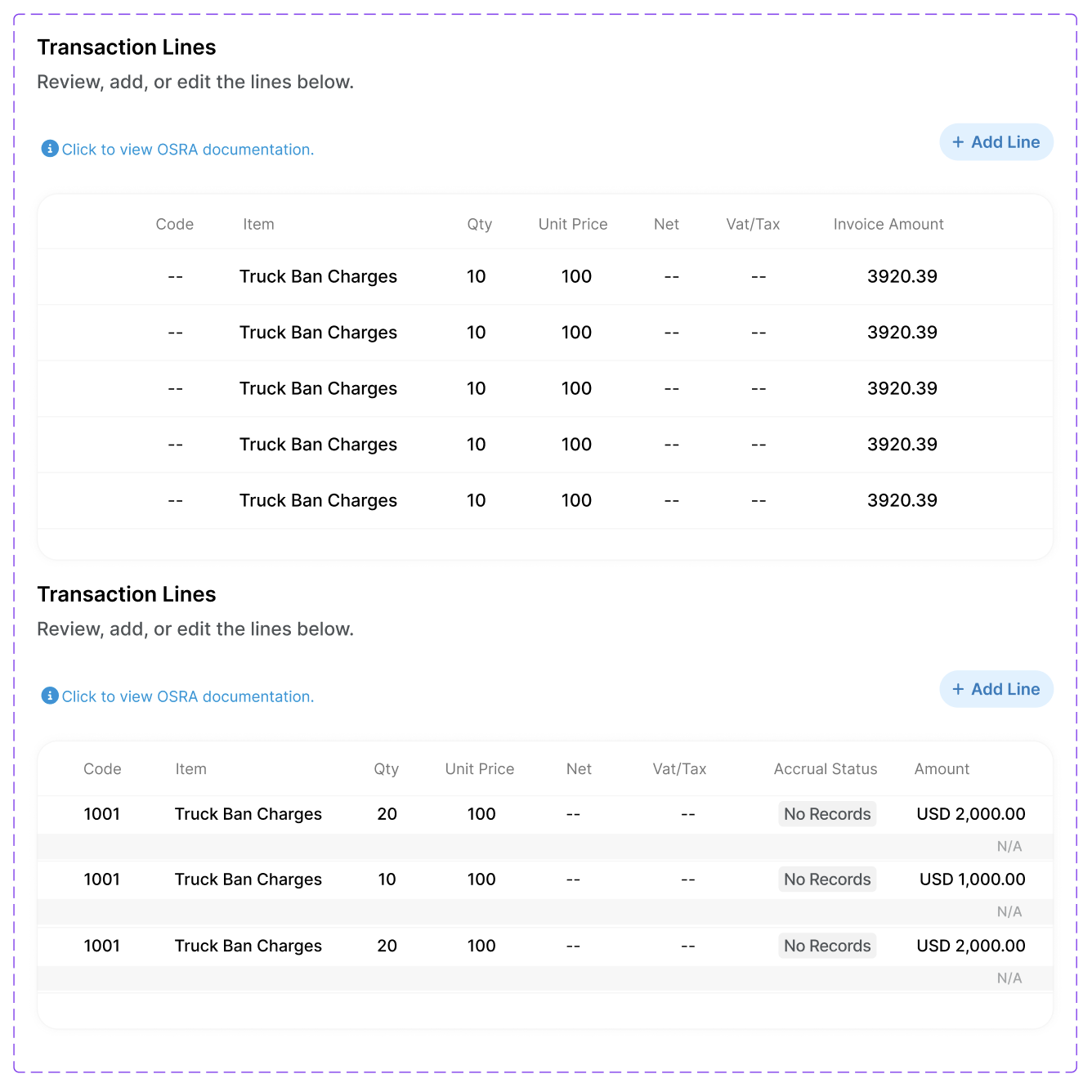
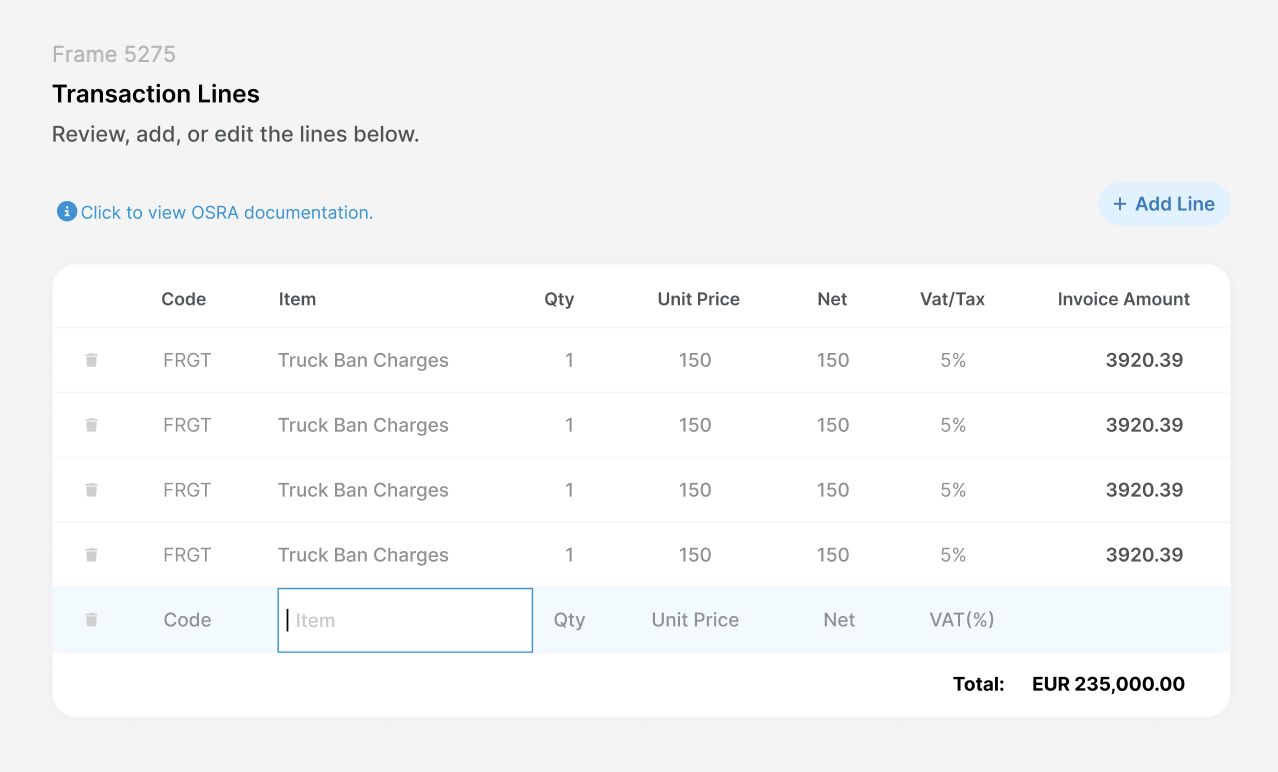
The payment form isn't a single screen, it adapts based on where a transaction is in its lifecycle. Across statuses like created, pending, approved, and paid, the form needed to surface the right information and actions without changing its underlying structure. The goal was consistency users could learn once and rely on every time.
Angular vs React Comparison
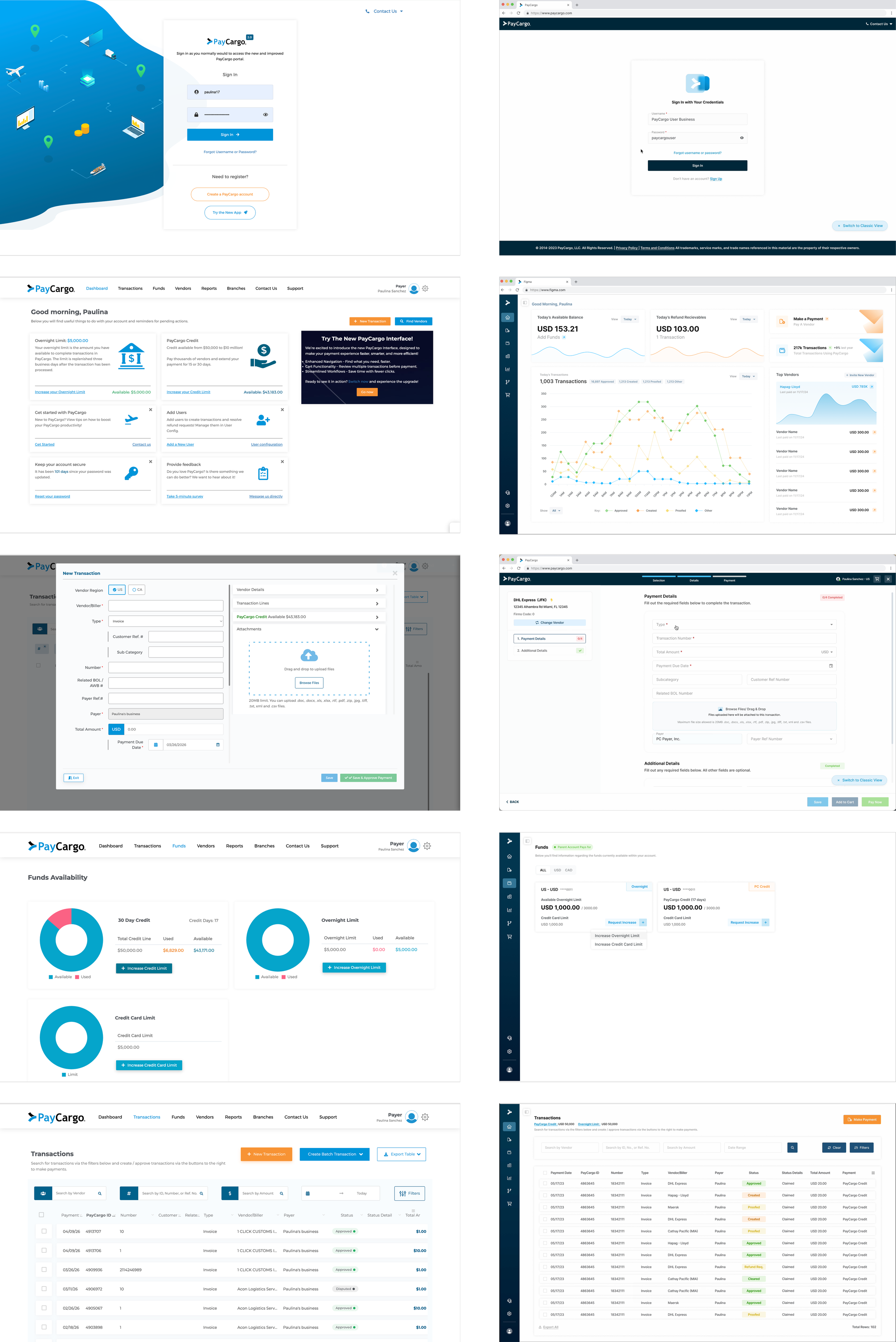
As PayCargo migrated from Angular to React, every screen had to be reconsidered, not just rebuilt. These screens show how the product evolved across the transition. Same workflows, redesigned from the ground up to be more linear, more consistent, and easier to learn.
Angular Settings
React Settings (using old sidebar)
Component Library
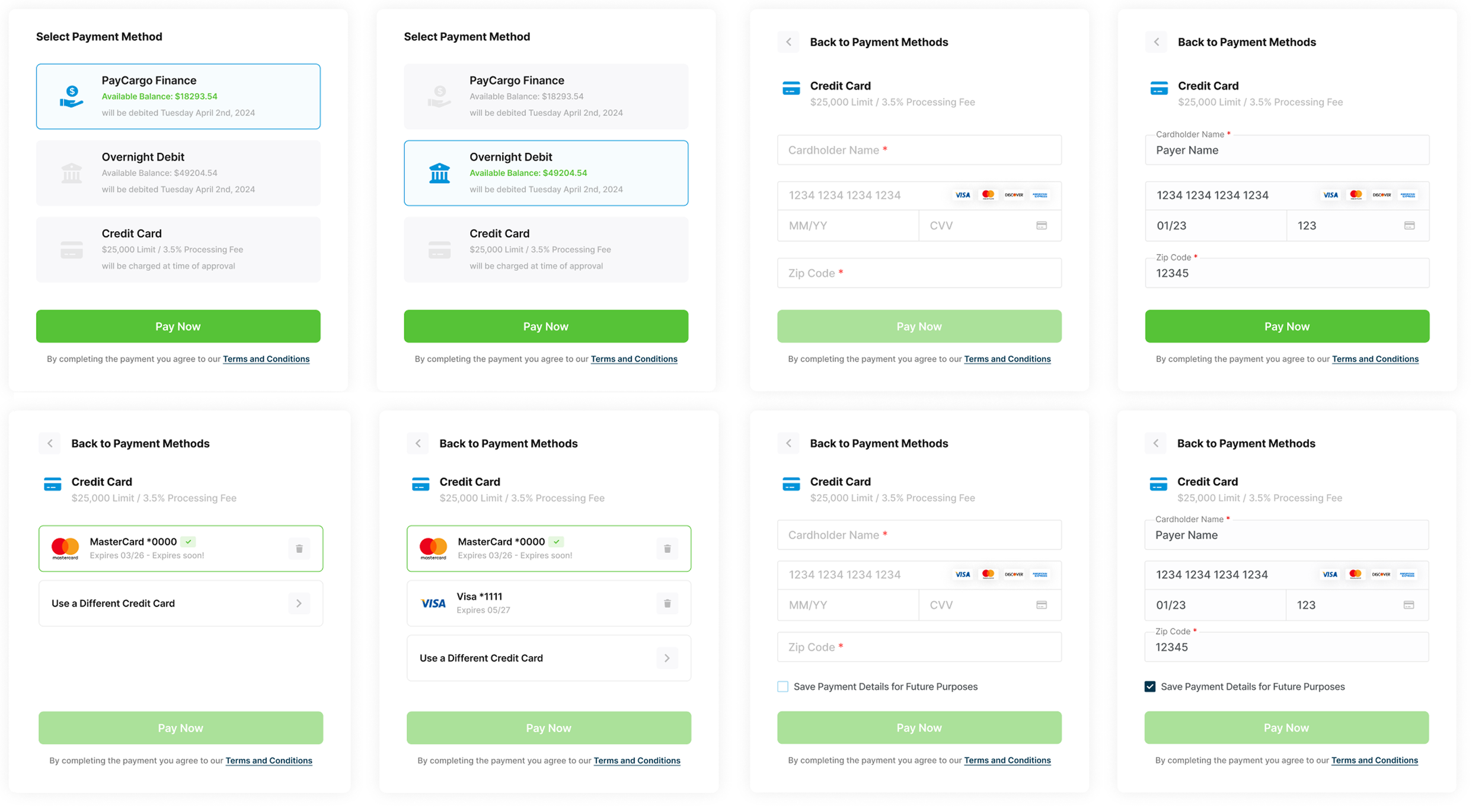
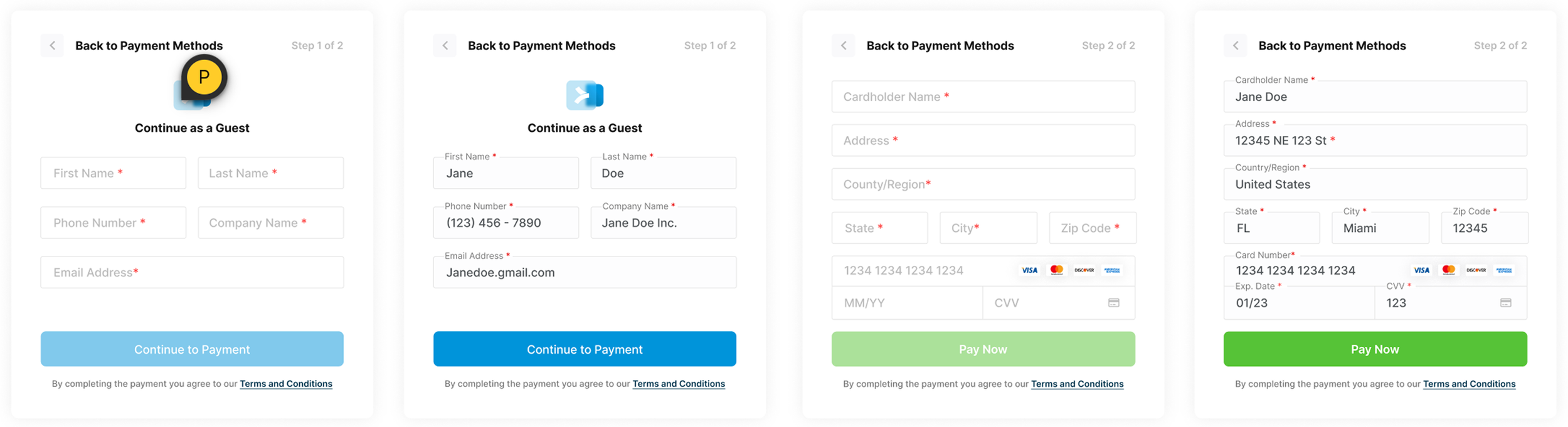
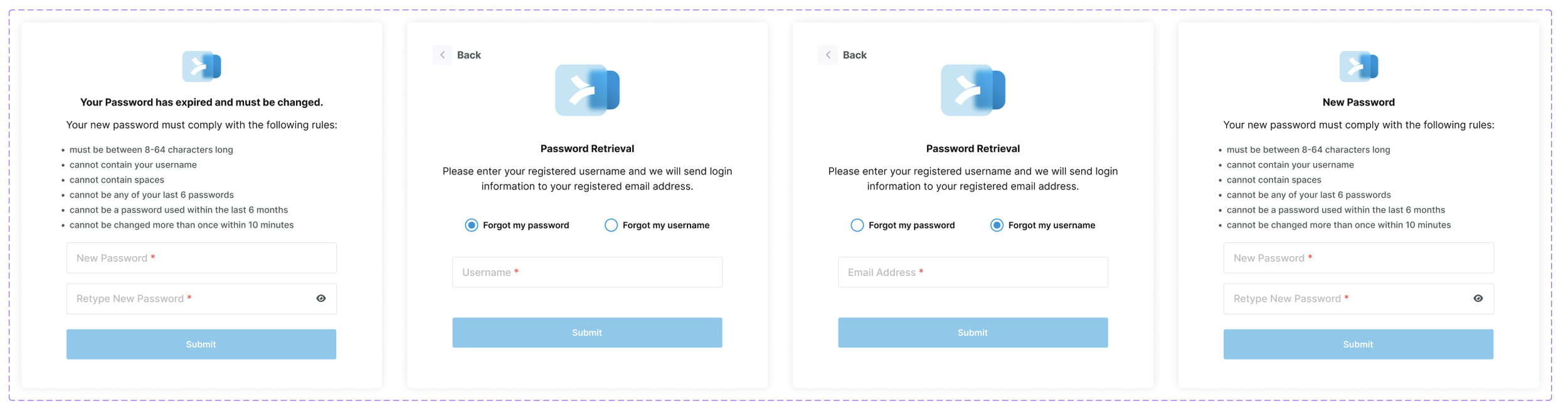
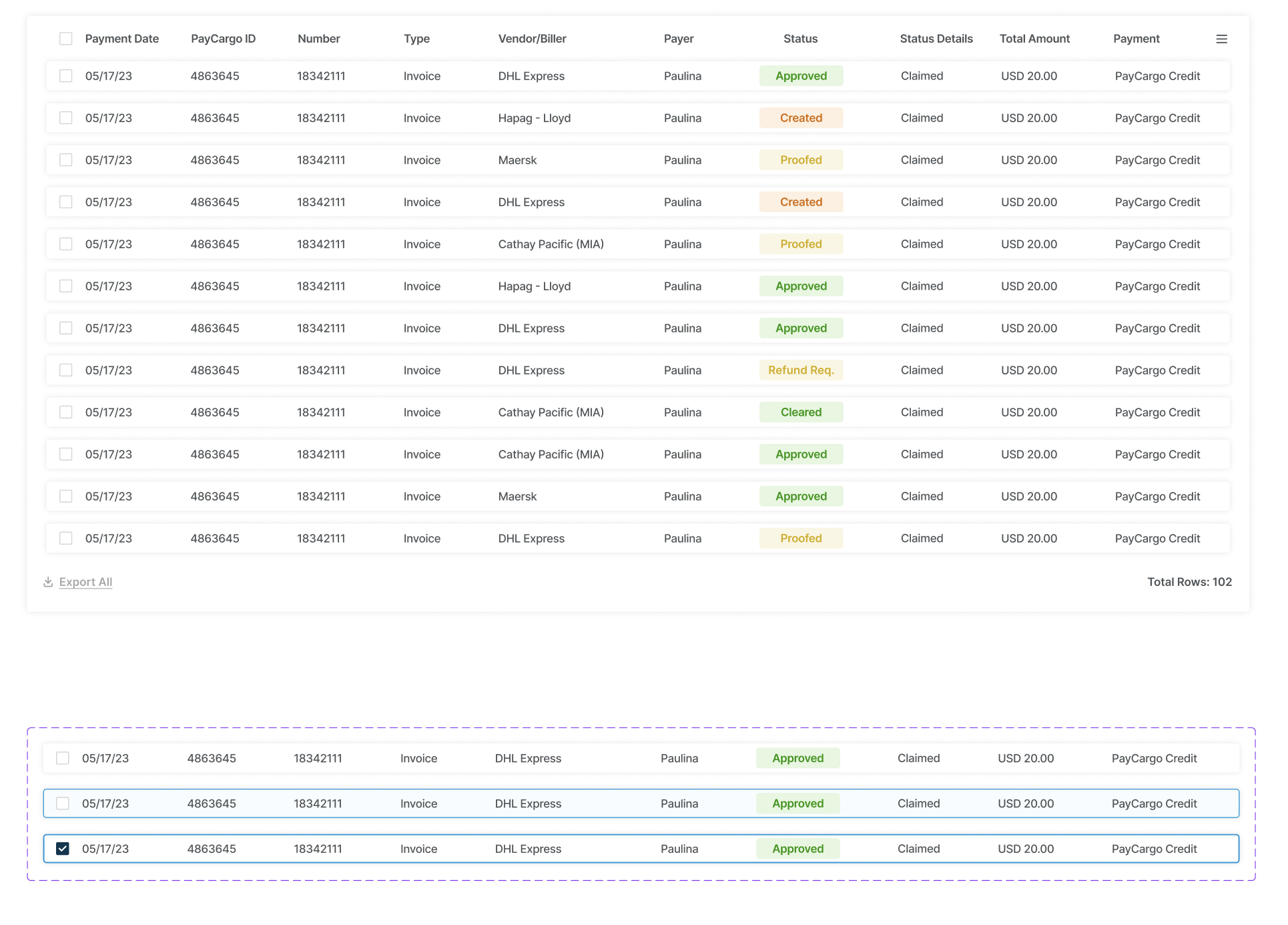
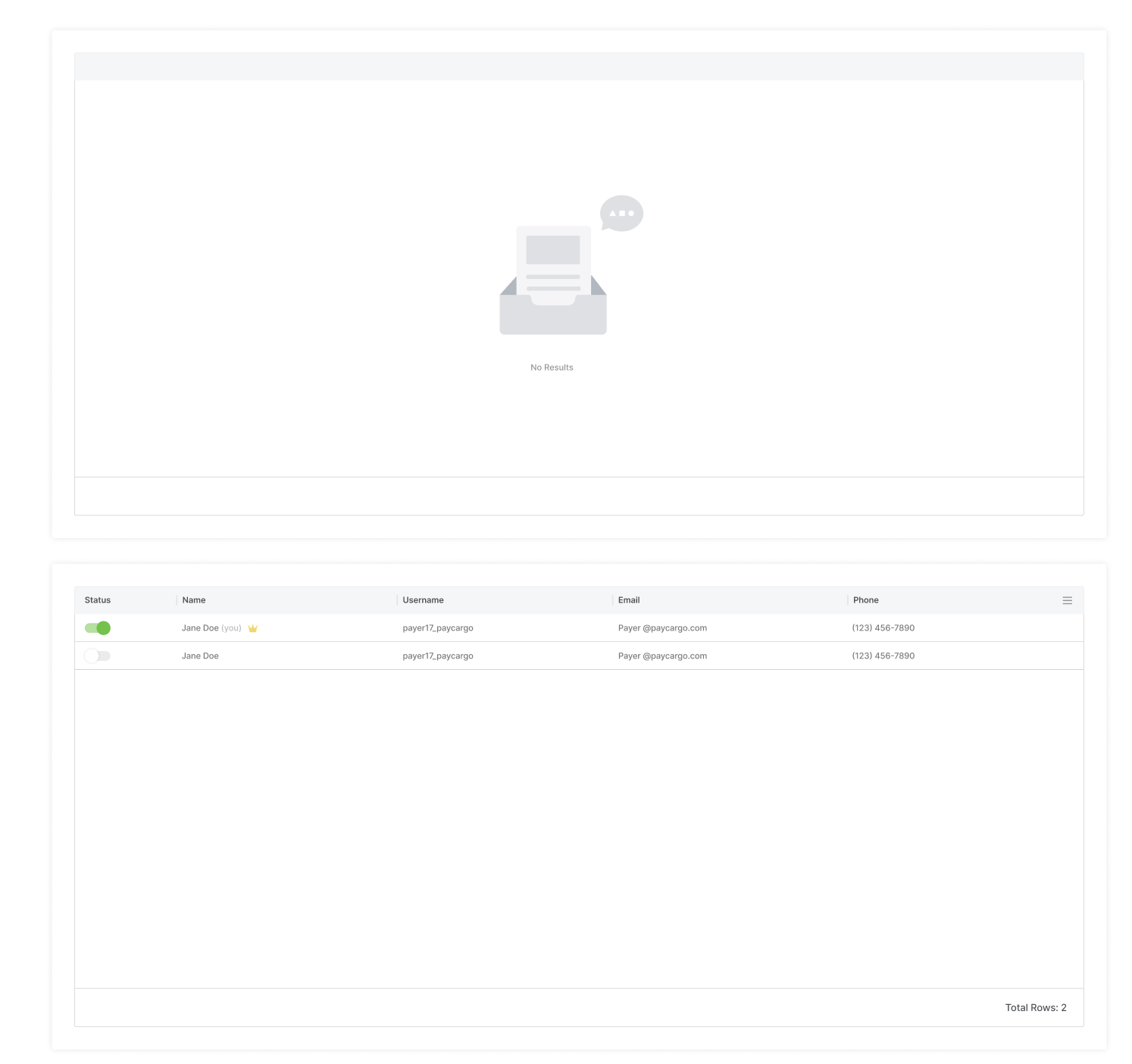
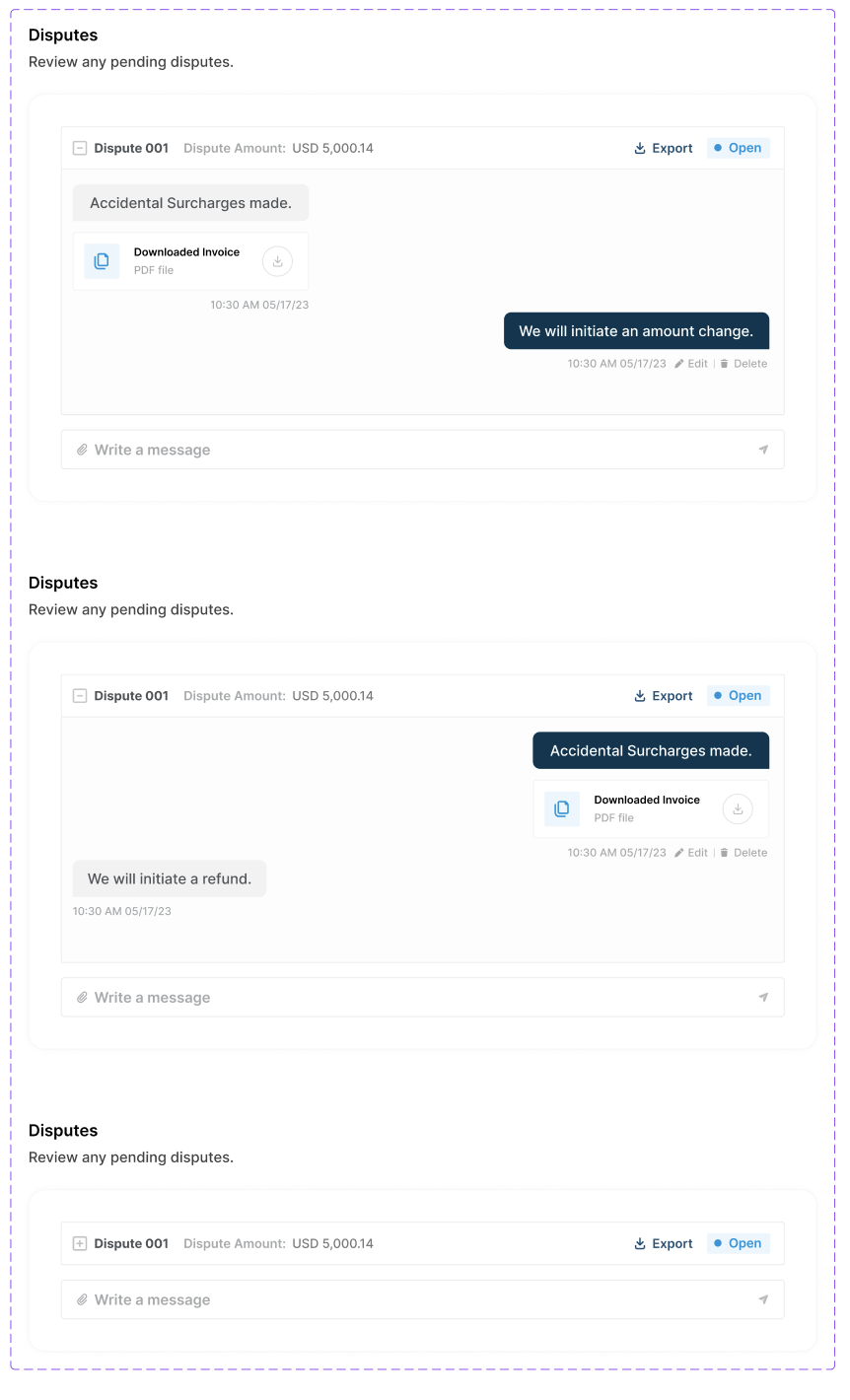
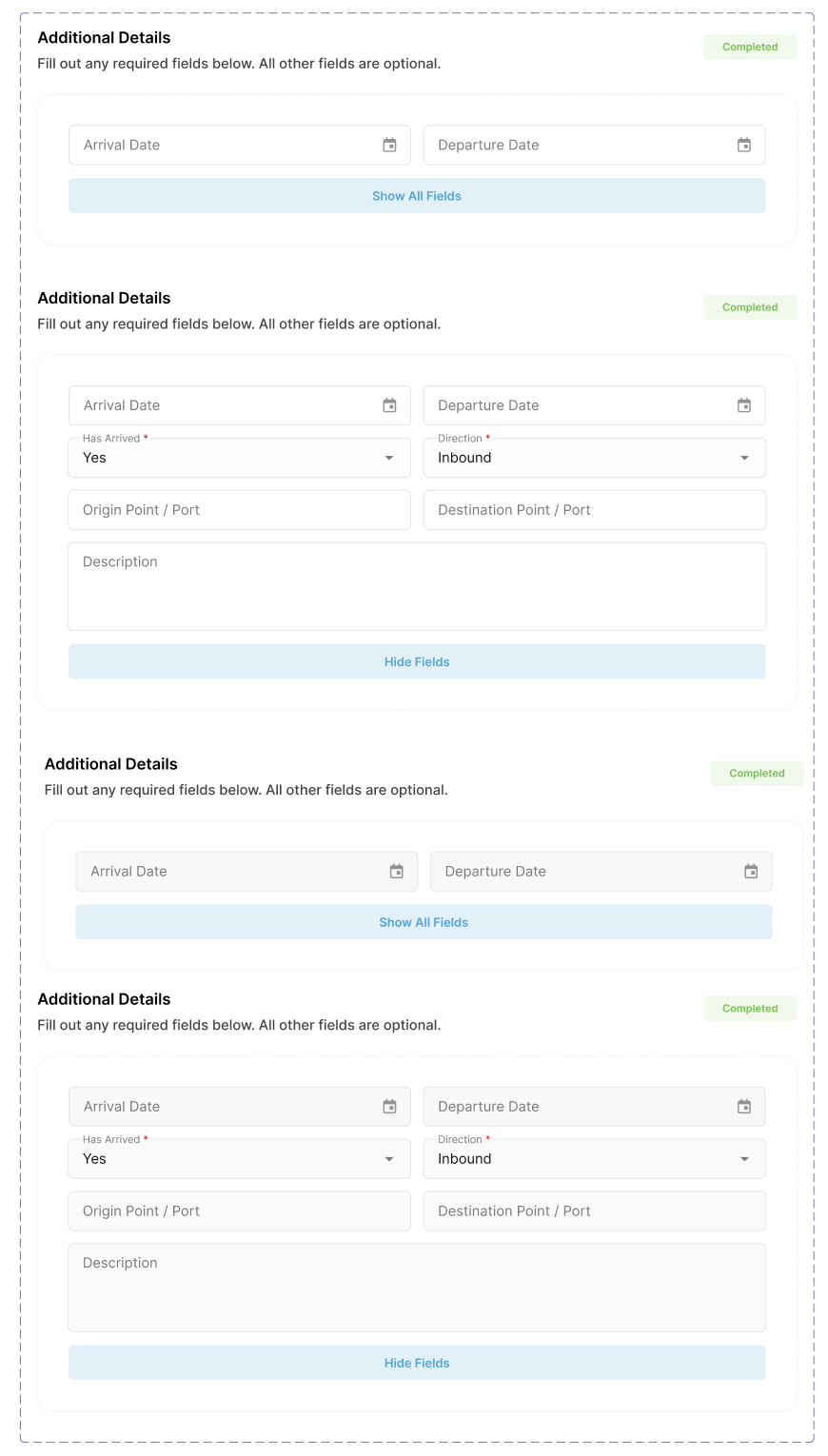
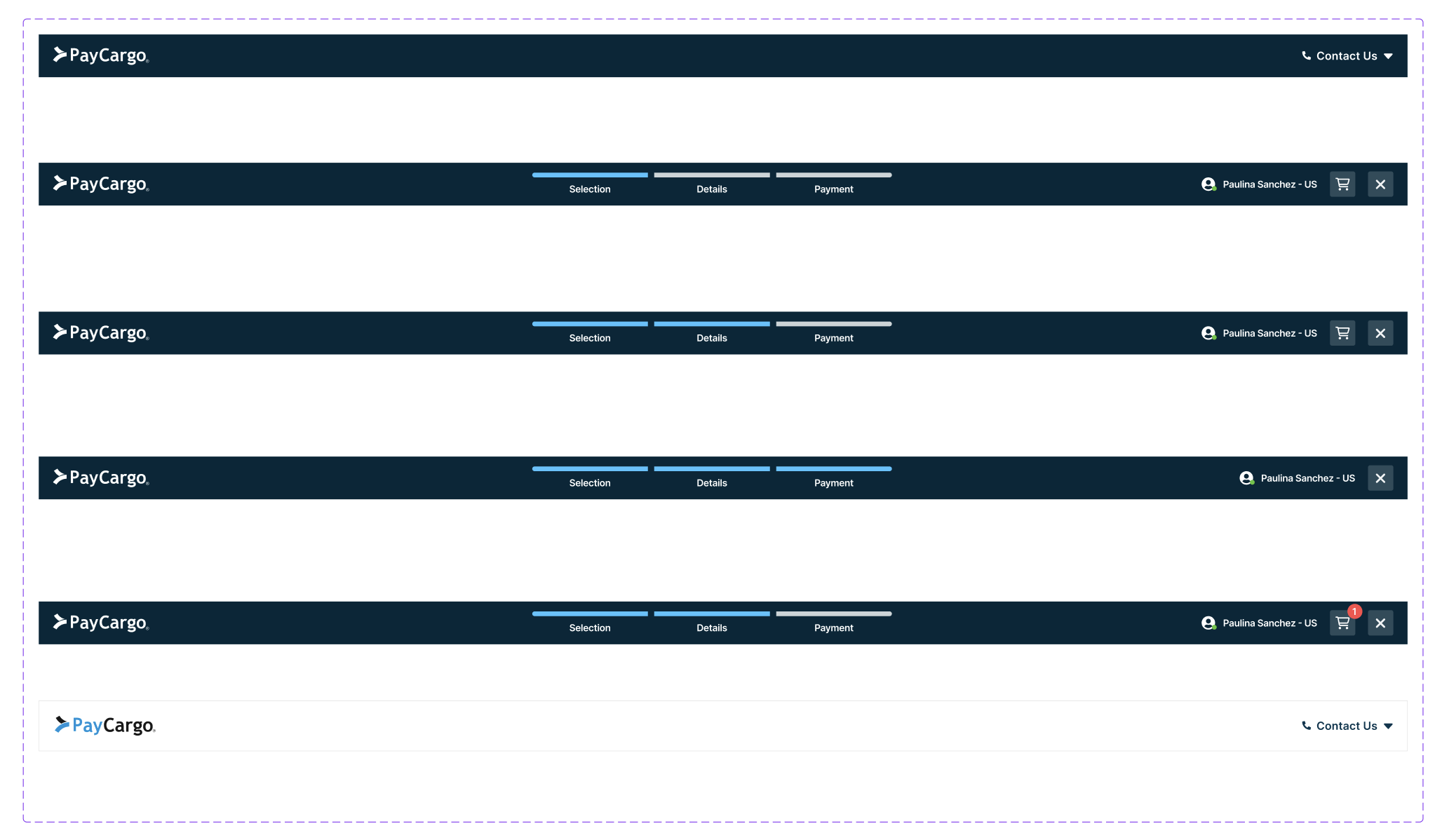
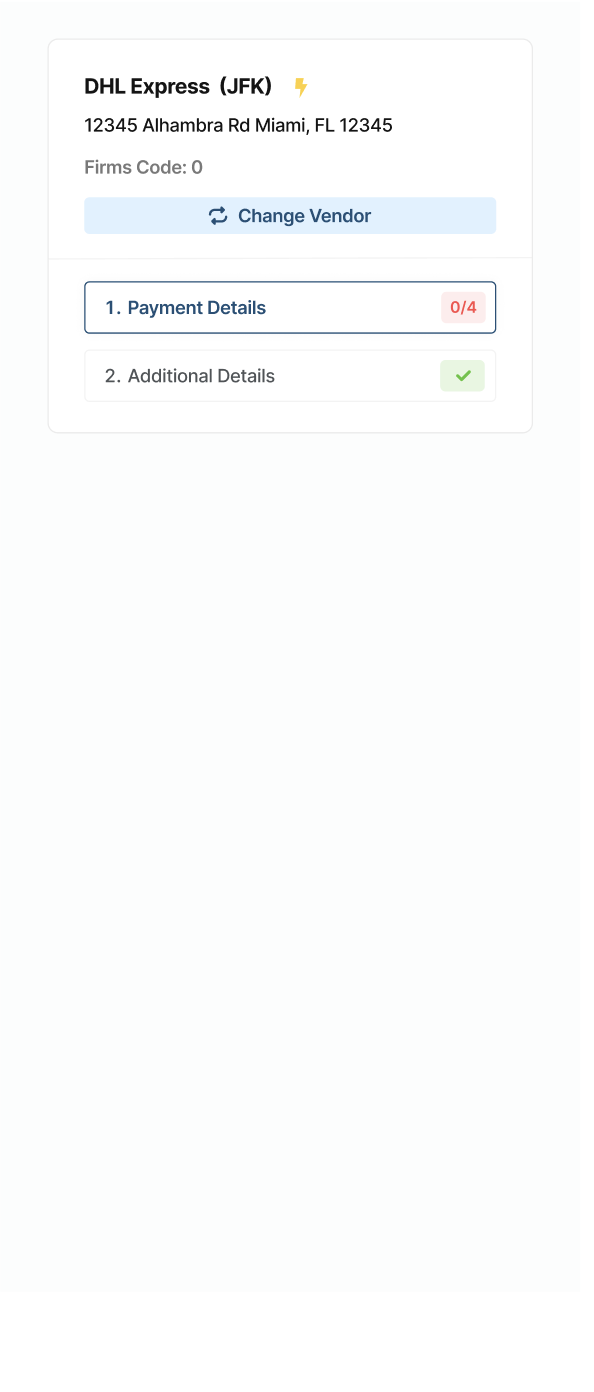
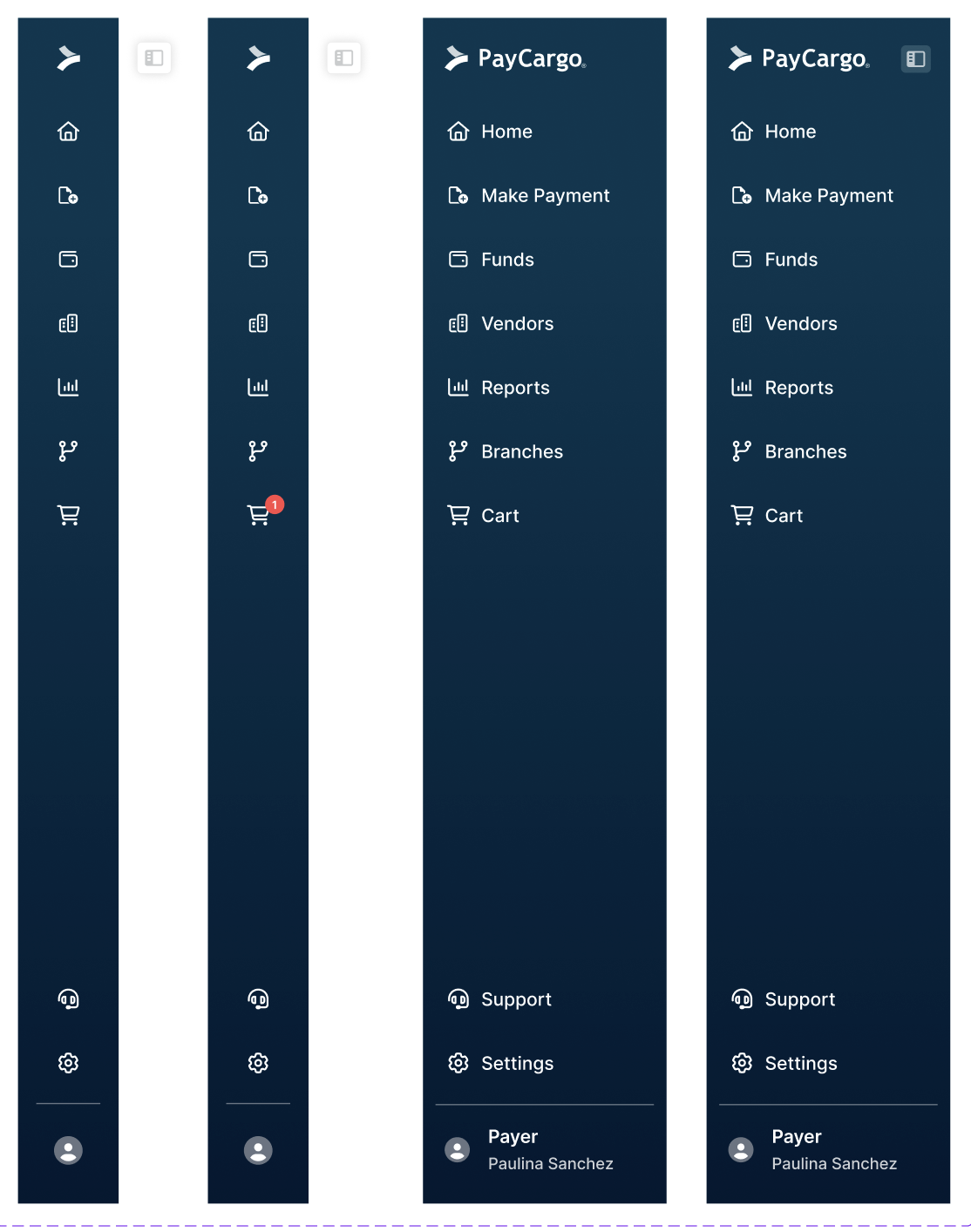
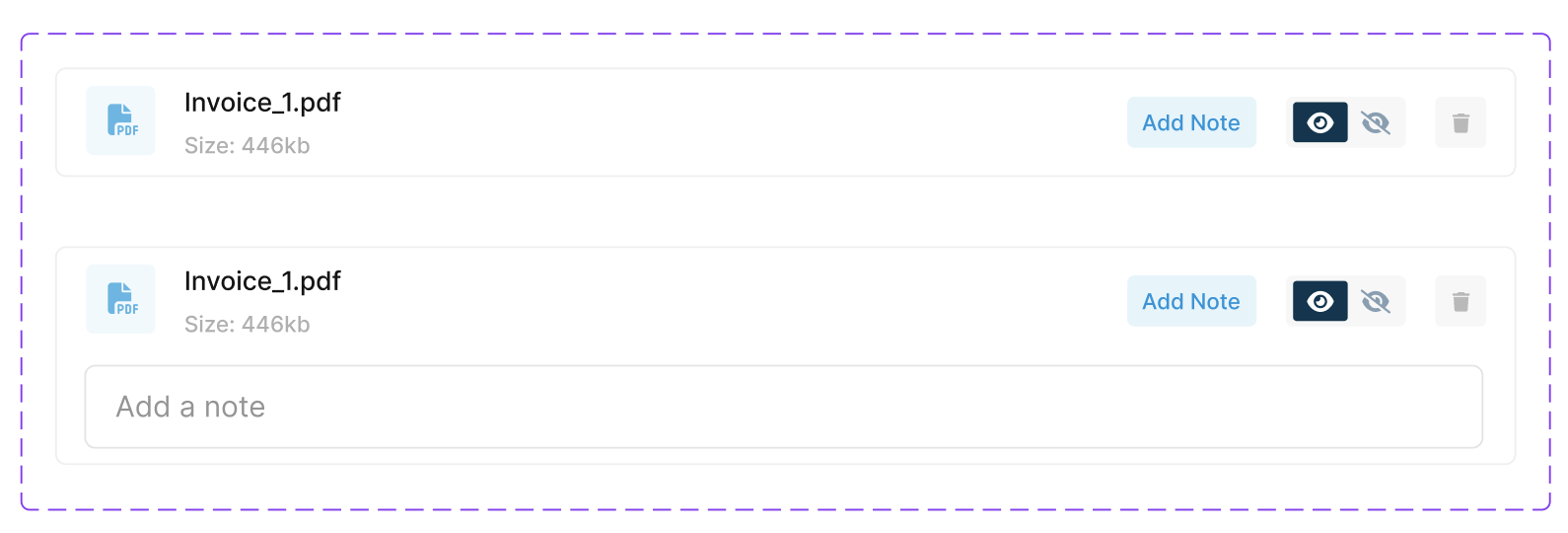
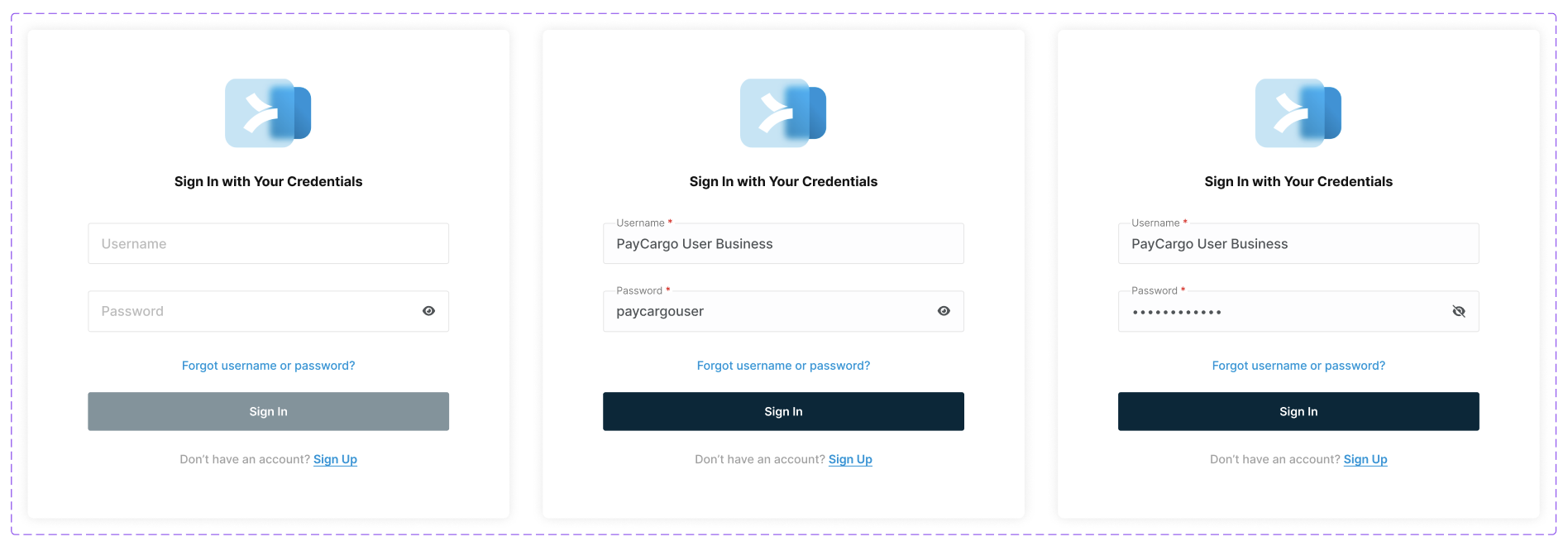
Designing at scale meant building for reuse. These core components (sidebars, form widgets, login screens, and more) were designed to work consistently across the payer UI, reducing design debt and giving engineers a reliable foundation to build from. Every component was documented and handed off via Figma and Storybook.
Login & Auth Screens
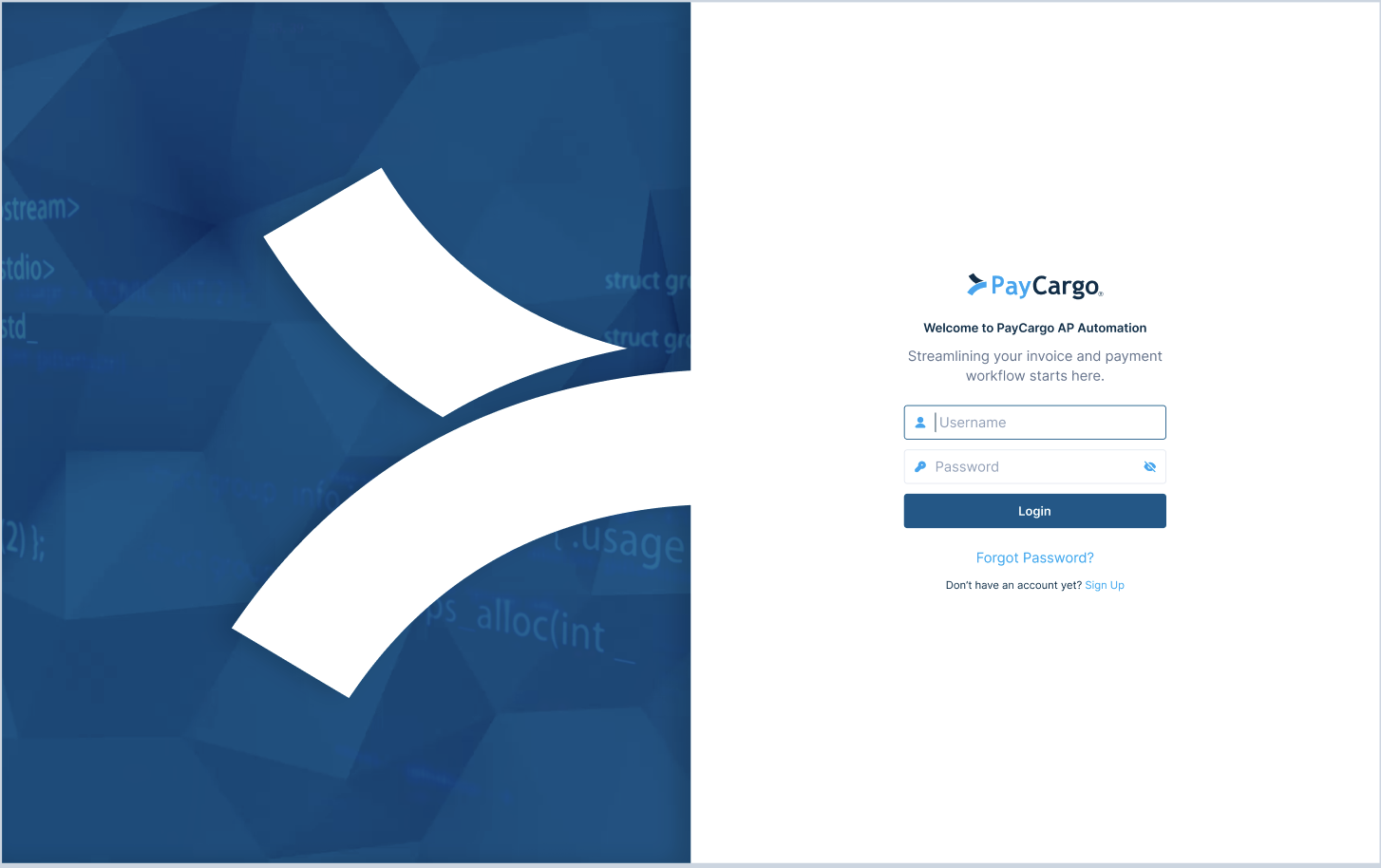
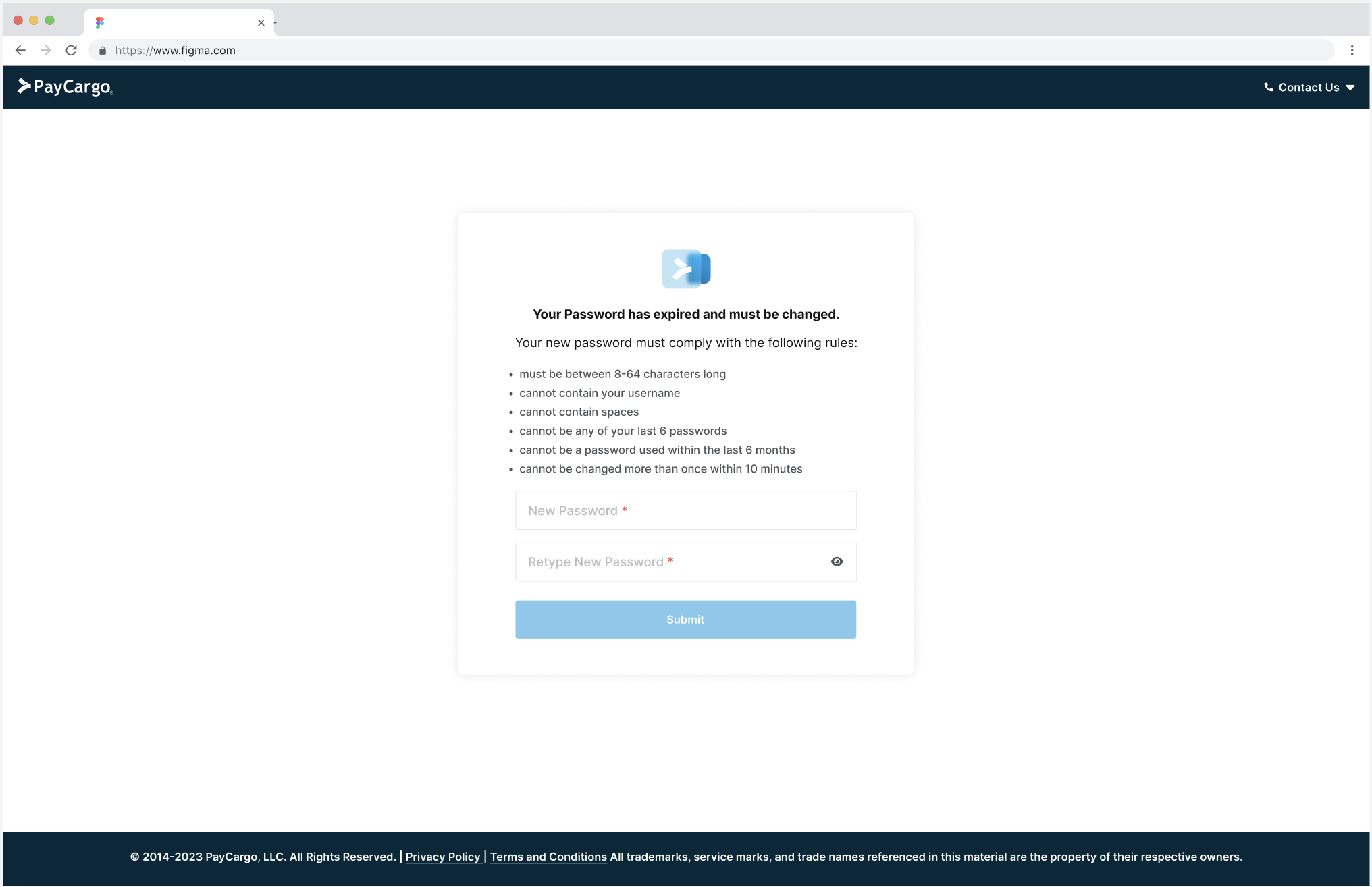
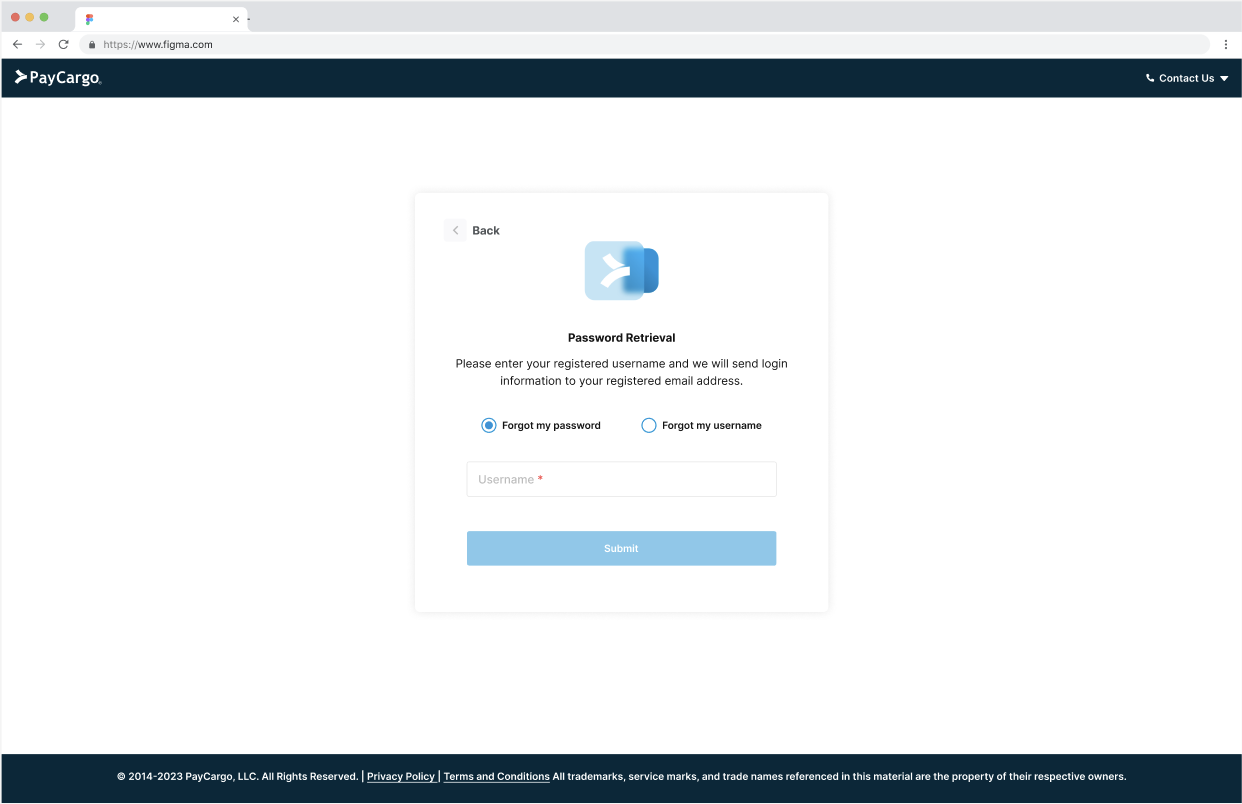
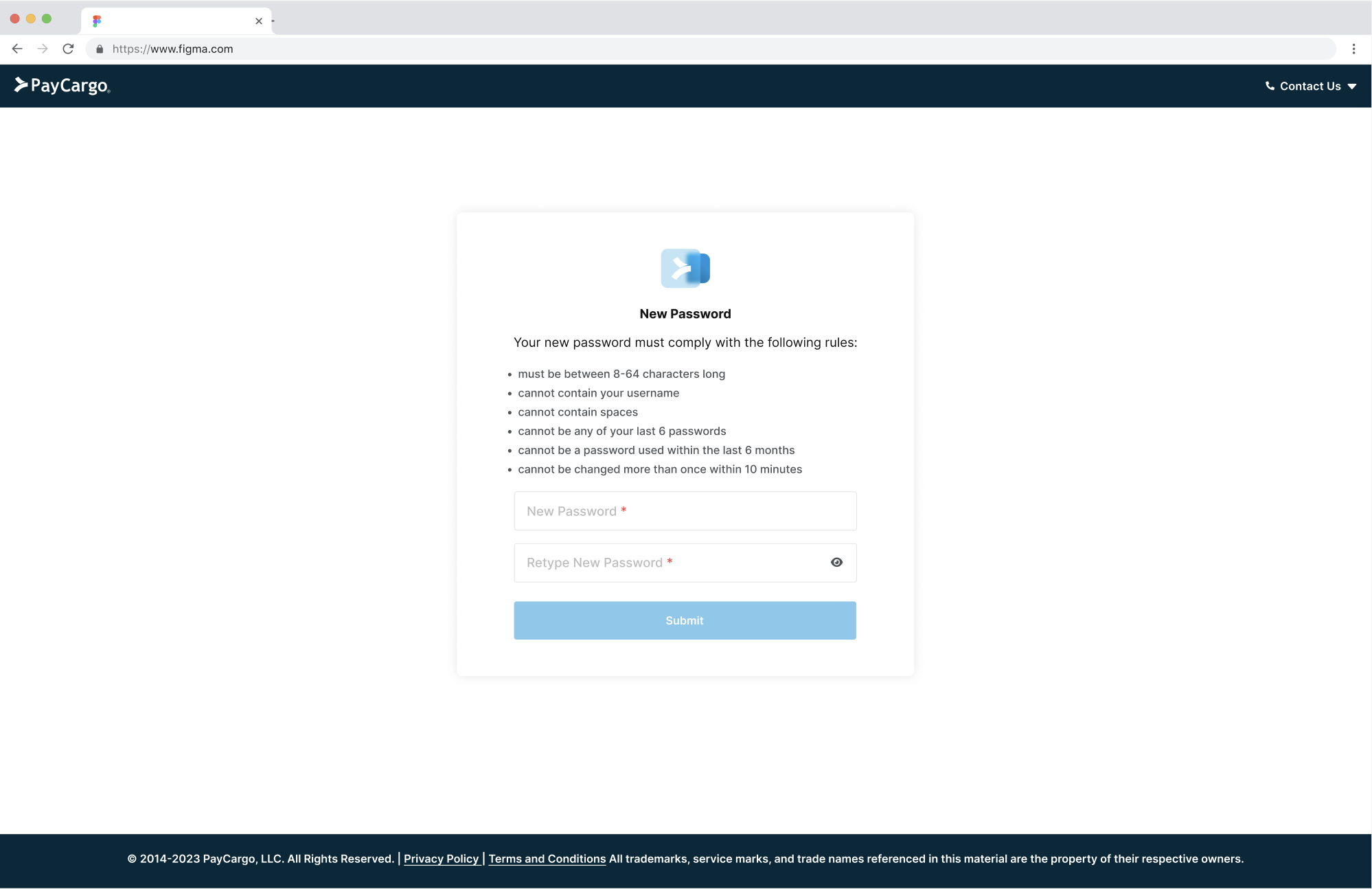
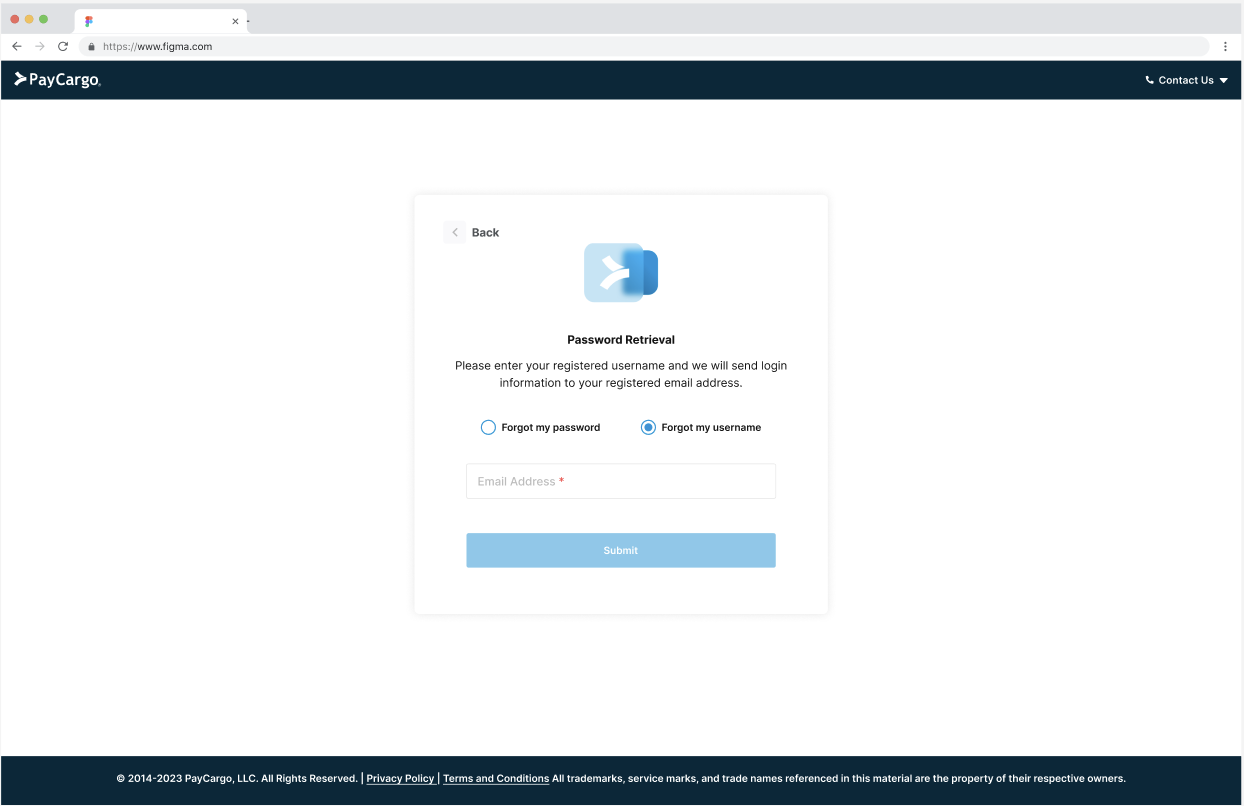
Authentication is often treated as an afterthought, but for a B2B platform handling real financial transactions, getting users in confidently matters. These screens cover the full auth flow (standard login, password reset, and additional authentication states) designed to be clear and low-friction for users who need to move fast.
Cart States
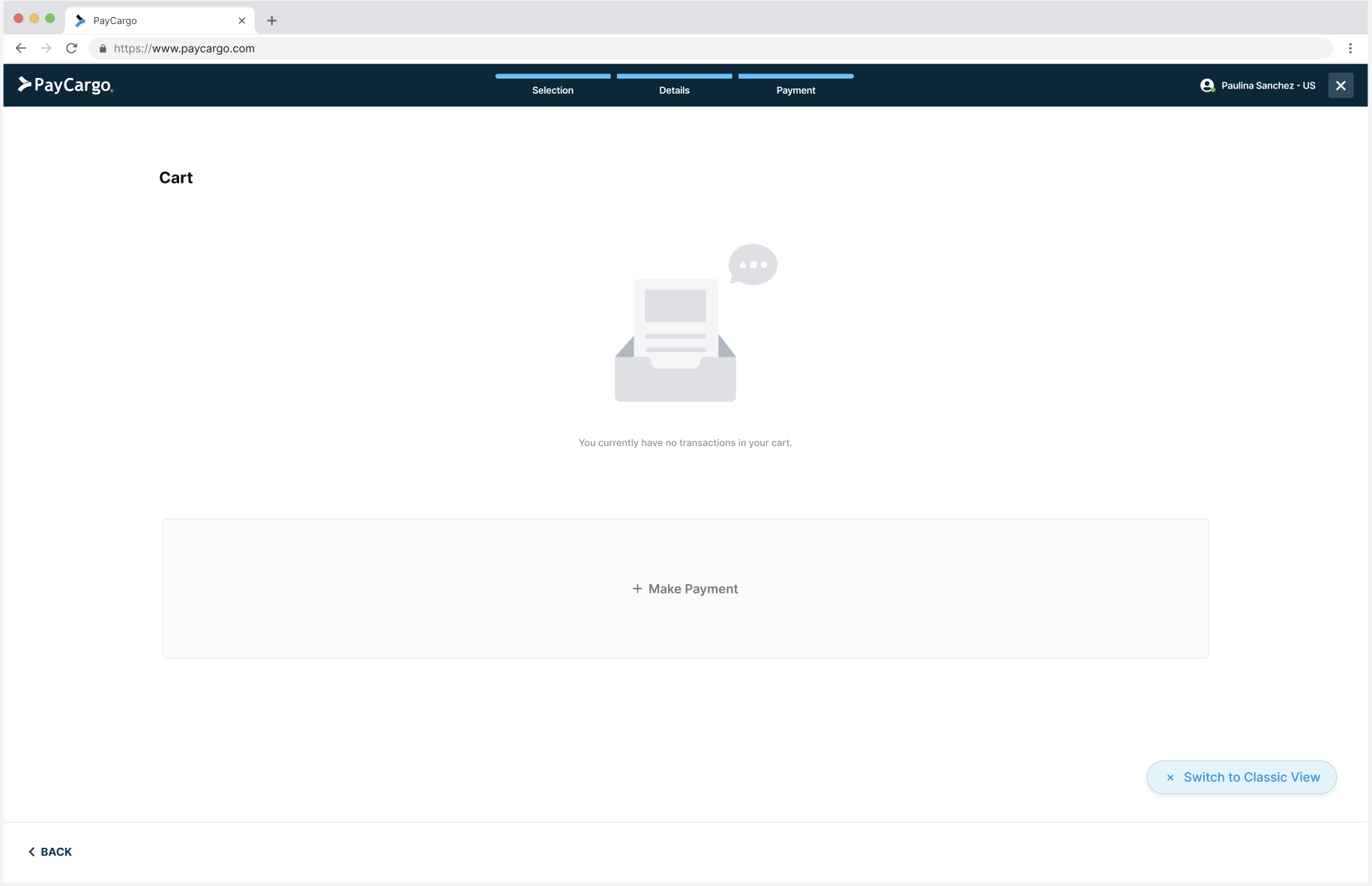
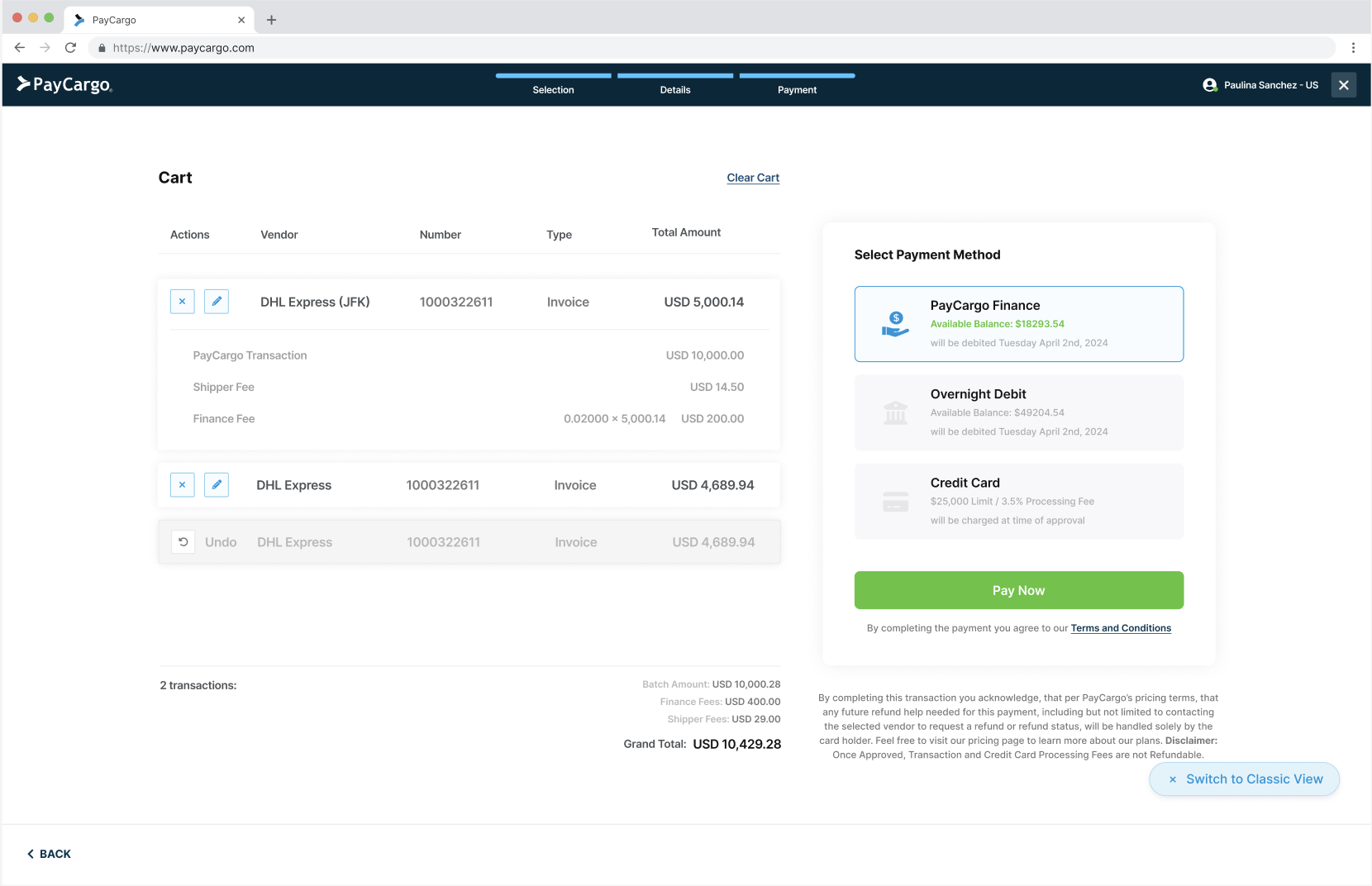
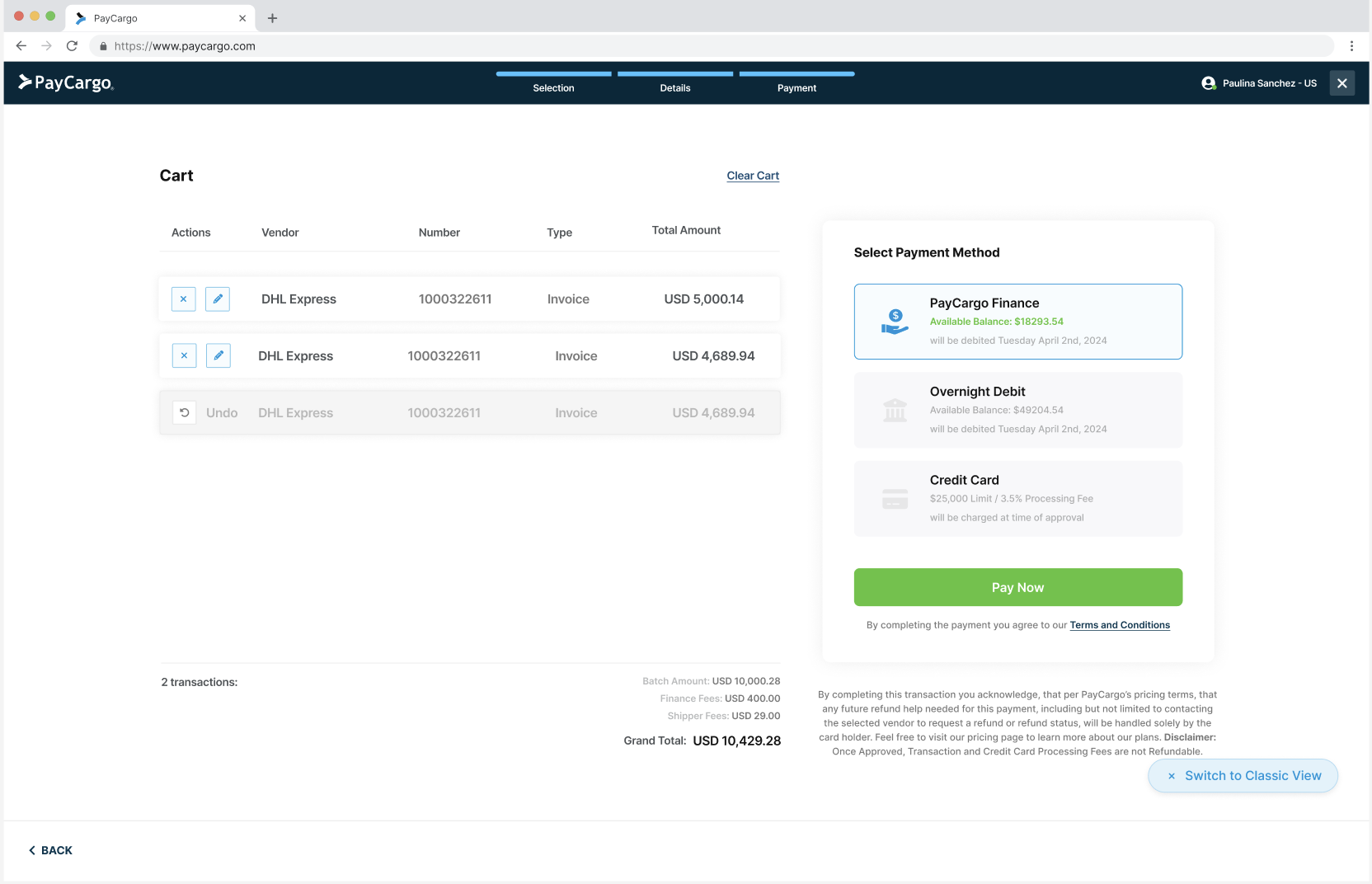
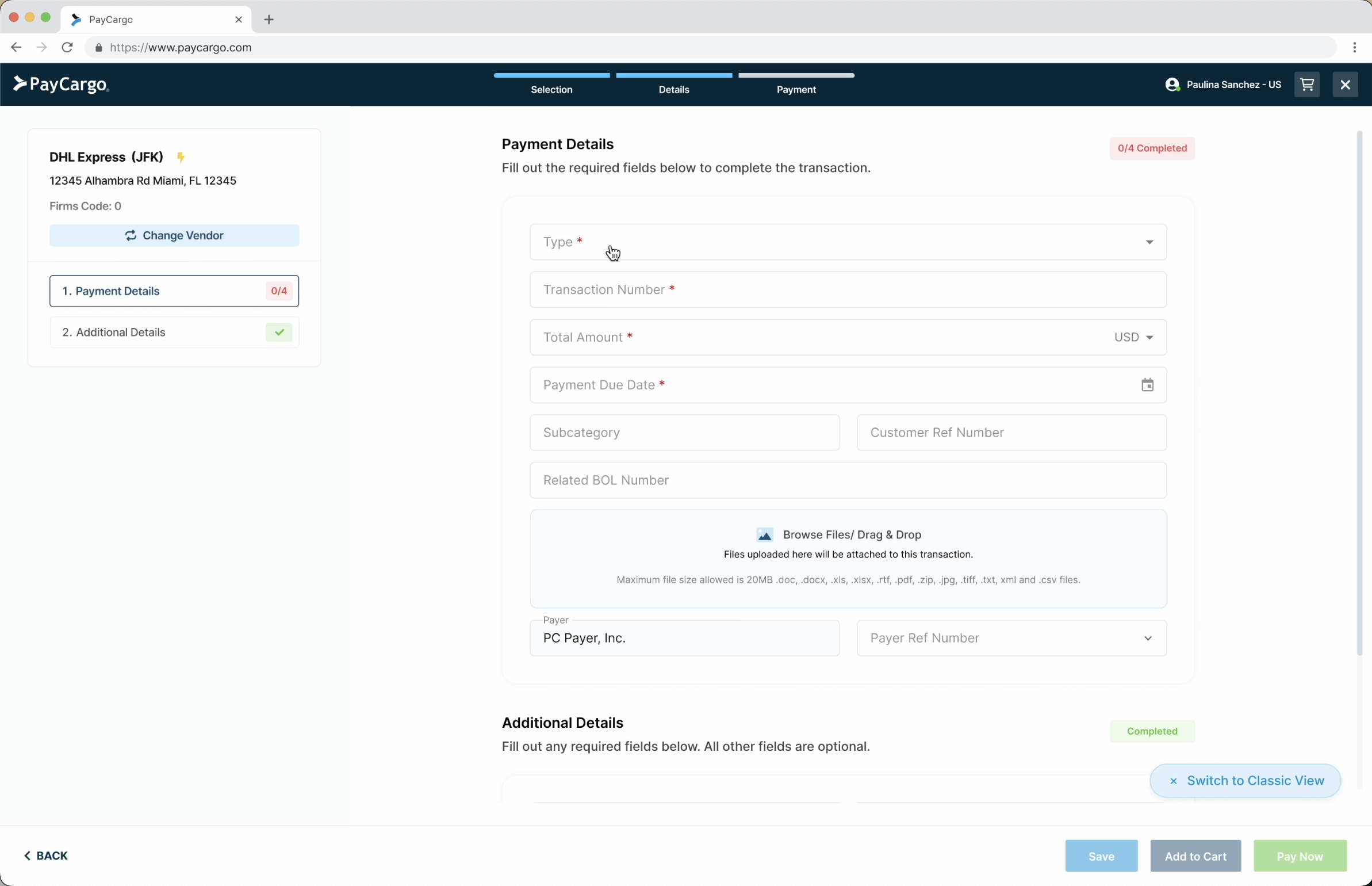
The cart was the most novel part of the redesign. Nothing like it existed in the legacy flow. Designing it meant accounting for every state a user might encounter: entering the cart for the first time, an empty cart, a cart with one or multiple vendors, and the final review before payment. Each state needed to feel intuitive for users who had never batched payments before.
Video Flows
Recorded flows showing key interactions across the platform.
Invoice Autofill - Client Integration Invoice Automation
Editing from Cart
Batch Proofing
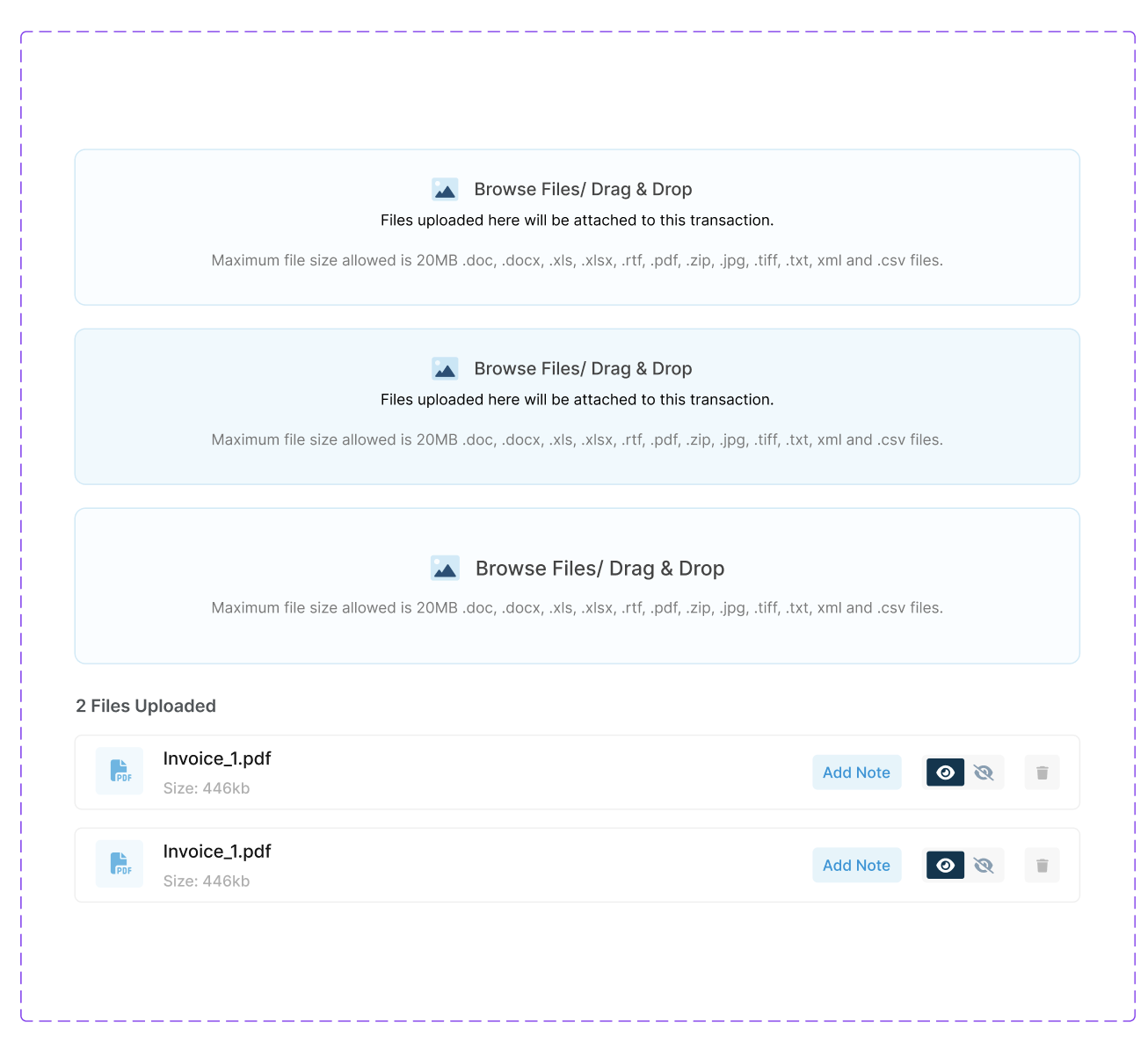
Attachments (original prototyped animation not shown)
Angular Payment Flow
PayCargo Vendor Search Page (Public)
Opening an existing transaction
Bill Of Lading - Client Integration
React Payment Flow
PayCargo Website
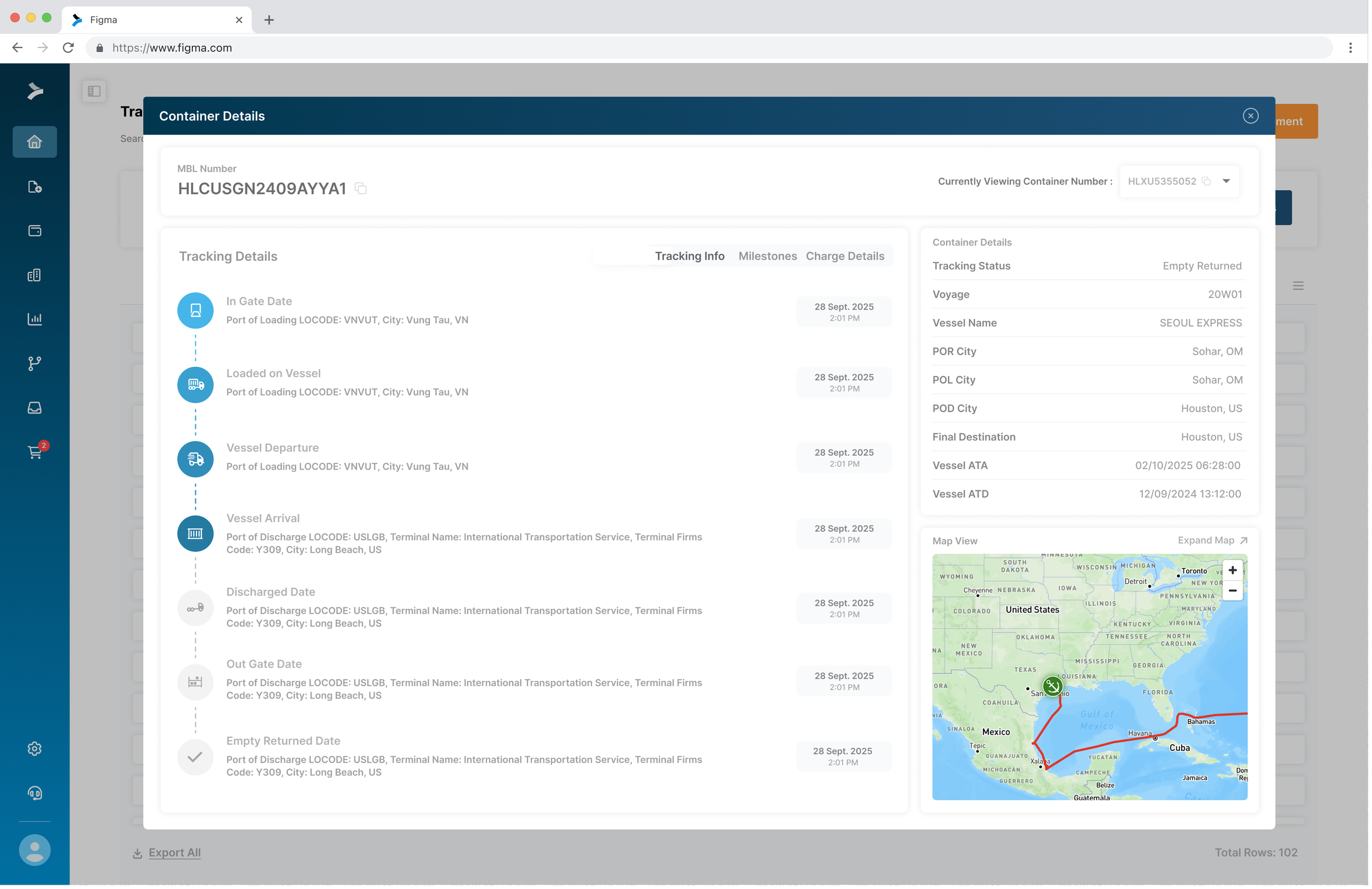
Container Tracking Pop Up - Early Exploration
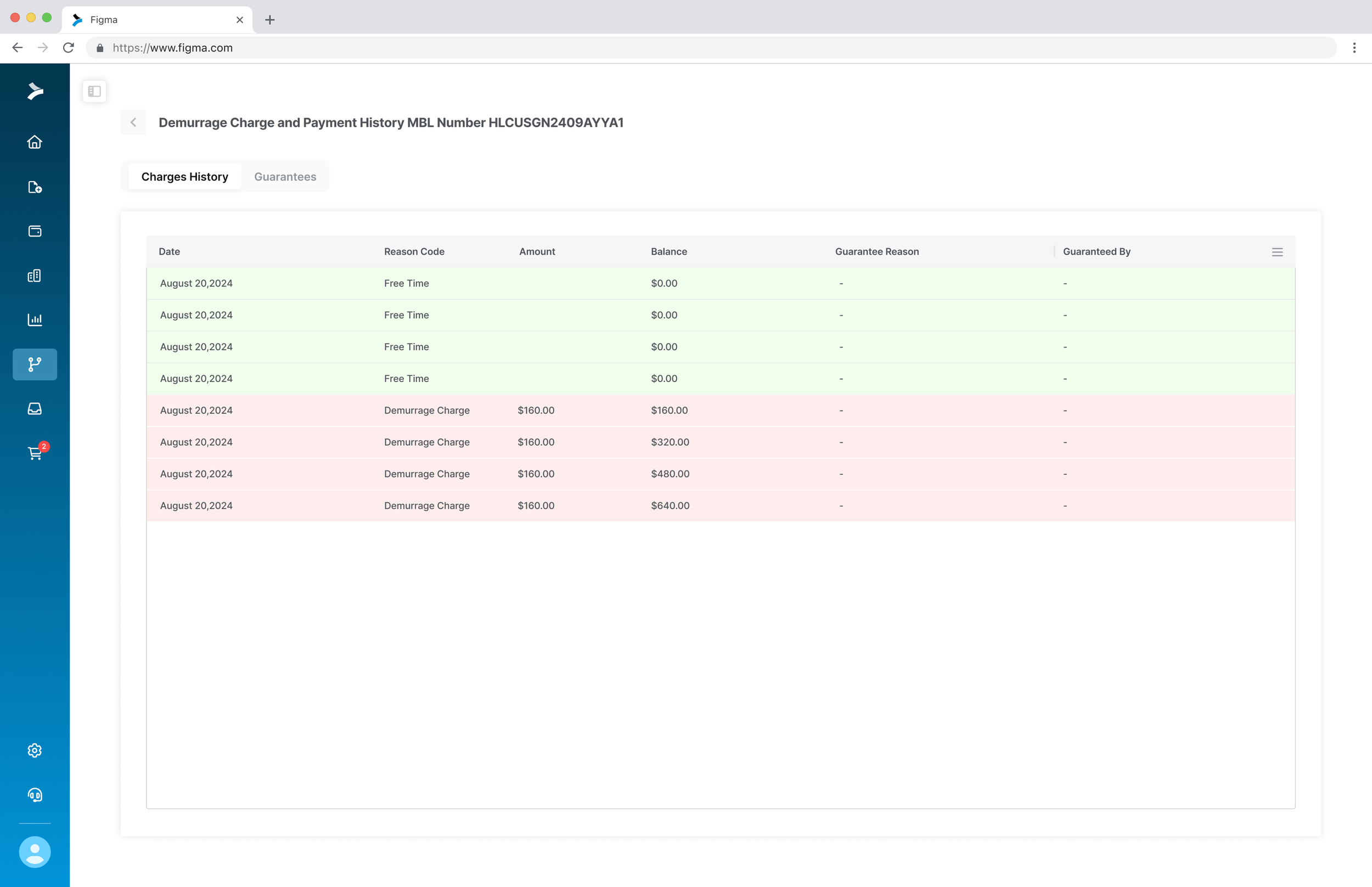
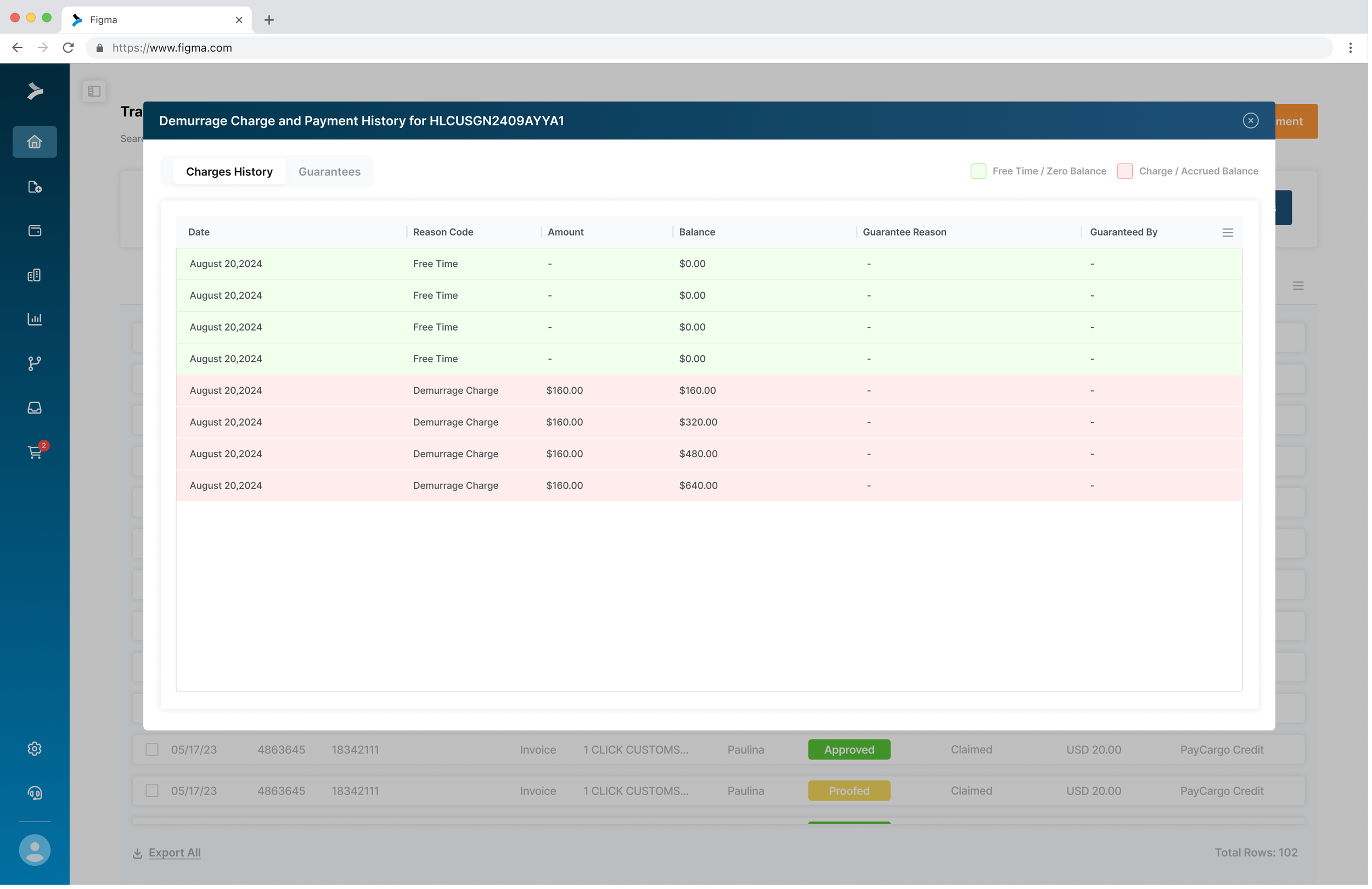
Freight teams need to know exactly where a shipment is and what's happened to it at every step. This container detail view consolidates tracking milestones, vessel information, charge details, and a live map into a single screen, replacing the need to chase updates across multiple systems or carrier portals.